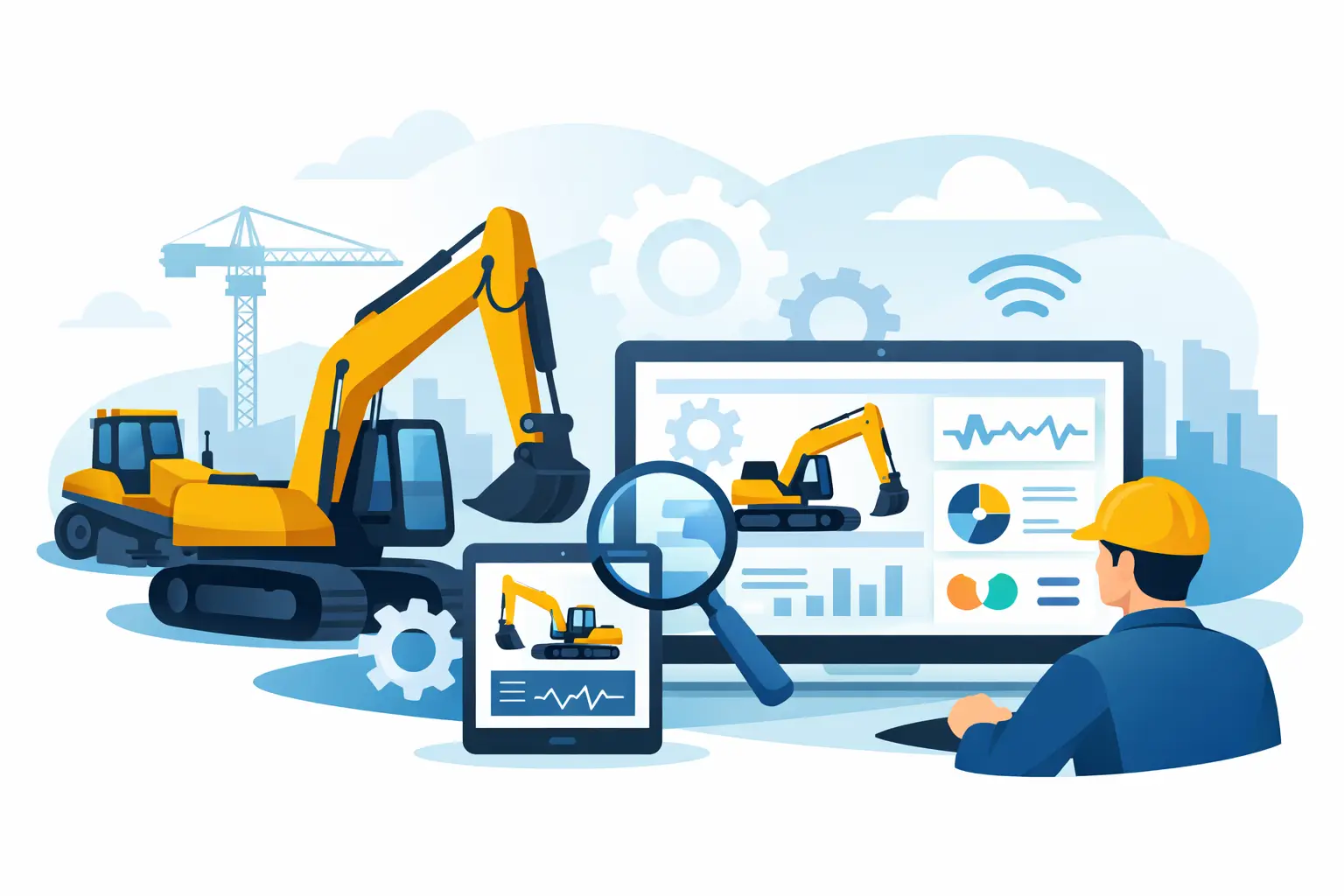
A machine that cranks, derates, or locks out a hydraulic function can burn half a day before the real fault is even identified. That is where construction equipment diagnostic software stops being a nice-to-have and becomes shop-critical. For technicians, fleet managers, and independent repair operations, the value is not just reading codes. It is getting direct access to live data, calibrations, ECM parameters, service routines, and protected functions that determine whether a repair ends in the bay or goes back to the dealer.
What construction equipment diagnostic software actually does
At the basic level, diagnostic software communicates with electronic control modules on the machine. That includes engine ECMs, transmission controllers, hydraulic systems, body controllers, aftertreatment modules, and brand-specific subsystems. A generic scan tool might pull active and inactive faults. Real construction equipment diagnostic software goes further by exposing OEM-level menus, service tests, configuration options, and guided procedures tied to the platform.
In practice, that means a technician can monitor rail pressure during crank, command outputs for troubleshooting, reset learned values, perform injector coding, run hydraulic calibrations, configure replacement modules, and validate repairs without guesswork. On newer machines, it also means dealing with security layers, factory passwords, or protected routines that block common service tasks unless the correct software environment is in place.
That difference matters because modern heavy equipment faults are rarely isolated to one bad sensor. A no-start can involve immobilizer logic, parameter mismatch, aftertreatment history, and low voltage events stored across multiple controllers. Without the right software, you are working around the machine instead of working through it.
Why generic tools fall short on heavy equipment
The biggest misconception in mixed shops is that all diagnostics are close enough. They are not. Heavy equipment OEMs build their own communication structures, service routines, and access controls. Even when the machine uses standard protocols, the useful functions are often buried behind manufacturer-specific software.
A universal tool can still have a place for quick fault scans or broad fleet coverage. But when the job requires a parked regeneration, hydraulic relearn, transmission clutch calibration, attachment setup, or module replacement, generic coverage often stops short. That is where labor time spikes. The machine is physically repairable, but the digital side of the job is blocked.
This is also why experienced shops evaluate software by function, not by marketing claims. “Reads and clears codes” is entry-level coverage. The real questions are whether it supports programming, whether it handles password-protected operations, whether it includes bidirectional testing, and whether it can complete service procedures after parts are installed.
The core functions that matter in the field and the shop
When buyers evaluate construction equipment diagnostic software, four capabilities usually determine whether it earns a place in the workflow.
First is fault management. The software should read active, logged, and pending faults with meaningful descriptions and module context. Fault code access is basic, but on heavy equipment, the supporting data matters just as much as the code itself.
Second is live data and command control. You need parameter visibility under load, during crank, and while commanding outputs. Solenoid actuation, sensor verification, fan clutch tests, injector cutout, and pressure monitoring are standard examples. Without bidirectional control, troubleshooting stays slower and less certain.
Third is calibration and configuration. Modern repairs often require electronic completion steps after the hardware work is done. That can include hydraulic pump calibration, joystick setup, speed sensor learning, injector trim entry, aftertreatment resets, or module configuration after replacement.
Fourth is protected service access. On many platforms, dealer-level functions are restricted by passwords, factory challenge-response systems, or software licensing layers. Shops that regularly handle ECM resets, unlock functions, programming support, or controller replacement already know this is not optional coverage. It is the difference between independent completion and outsourced dependency.
Construction equipment diagnostic software by brand matters more than most shops admit
Coverage is never universal in the way product labels suggest. Brand-specific software usually provides the deepest access because it is built around one ecosystem’s controllers, service logic, and engineering routines. That matters for machines from Caterpillar, JCB, John Deere, Bobcat, and other major OEMs where model families can share some architecture but still differ in parameter handling, passwords, and supported tests.
For a shop with a concentrated customer base, single-brand depth often beats broad but shallow multi-brand coverage. If half your revenue comes from one OEM, the right software for that brand will typically return more value than a universal package with partial functions across twenty platforms.
For mixed fleets, the answer depends on job mix. If the shop mostly performs fault diagnosis and standard repairs, broad coverage may be enough. If the work includes controller replacement, advanced calibration, factory resets, or service programming, then a multi-tool setup is usually the realistic answer. One software package handles initial triage, while brand-specific applications finish the high-control work.
What to check before you buy
The wrong purchase usually happens because the buyer focuses on machine brand and ignores task type. Compatibility starts with brand and model, but it should never stop there.
Check the exact functions supported for your target machines. If your shop replaces injectors, installs reman ECMs, or performs hydraulic and transmission setup, confirm those routines are included. If you need security access, verify whether password generation, unlock support, or protected routine access is part of the workflow or requires separate tools.
Operating system support also matters. Many professional packages are tied to specific Windows versions, adapter requirements, driver stacks, and installation methods. That sounds basic, but software instability on a shop laptop can waste more time than the original machine fault.
Then look at usage structure. Some products are limited by token systems, timed subscriptions, or machine count restrictions. Others are better suited to high-volume use because they allow repeated service operations without recurring per-job cost. For independent repair businesses, that difference affects margins quickly.
The cost question is not just license price
A lot of buyers compare software by upfront cost and miss the larger expense category, which is lost shop control. Dealer outsourcing has a place, especially for rare platforms or one-off programming events. But if your business sees repeated demand for the same service functions, outsourcing becomes a recurring tax on labor efficiency.
The return on construction equipment diagnostic software usually shows up in three areas. Downtime drops because diagnosis starts earlier and finishes with fewer handoffs. Labor recovery improves because technicians can complete digital service steps in-house. Customer retention gets stronger because the shop can say yes to higher-value jobs that used to be sent out.
That does not mean every shop needs full programming coverage for every OEM. It means the software stack should match actual revenue opportunities. If your workload includes frequent calibrations, unlock procedures, module setup, and advanced troubleshooting, limited software becomes expensive in a hurry.
Where software fits into a complete service workflow
Diagnostic software is not a standalone solution. It works best as part of a controlled process that includes the correct communication interface, stable laptop setup, power management, service documentation, and technician familiarity with the platform.
Good shops standardize this. They use dedicated machines for service software, maintain clean installations, keep adapters matched to supported brands, and separate general office computing from diagnostic workstations. That reduces driver conflicts, failed updates, and interrupted programming sessions.
It also helps to think in layers. The first layer is machine communication and fault retrieval. The second is guided testing and live data analysis. The third is service completion – resets, calibrations, coding, parameter changes, and programming where supported. If your current tools only cover the first layer, you already know why some jobs stall after the parts are installed.
Choosing the right setup for your operation
For owner-operators and small independent shops, the best starting point is usually software tied to the dominant brands in the local customer base. Buy for the machines that pay the bills most often, not for hypothetical coverage. For larger repair operations and fleet departments, a blended setup makes more sense, with broad diagnostics for intake and brand-specific packages for advanced functions.
This is also where a specialist supplier has real value. SYSTEMRTX operates in the part of the market where technicians need more than generic scan access. The practical requirement is dealer-style service capability – brand-specific software, technical utilities, password tools, firmware support, and parts-identification resources that fit actual shop work.
The best construction equipment diagnostic software is the one that closes the gap between mechanical repair and digital completion. If it can get you into the right controller, run the required test, complete the calibration, and return the machine to service without dealer dependency, it is doing its job. For professional shops, that is not convenience. It is operating leverage.