
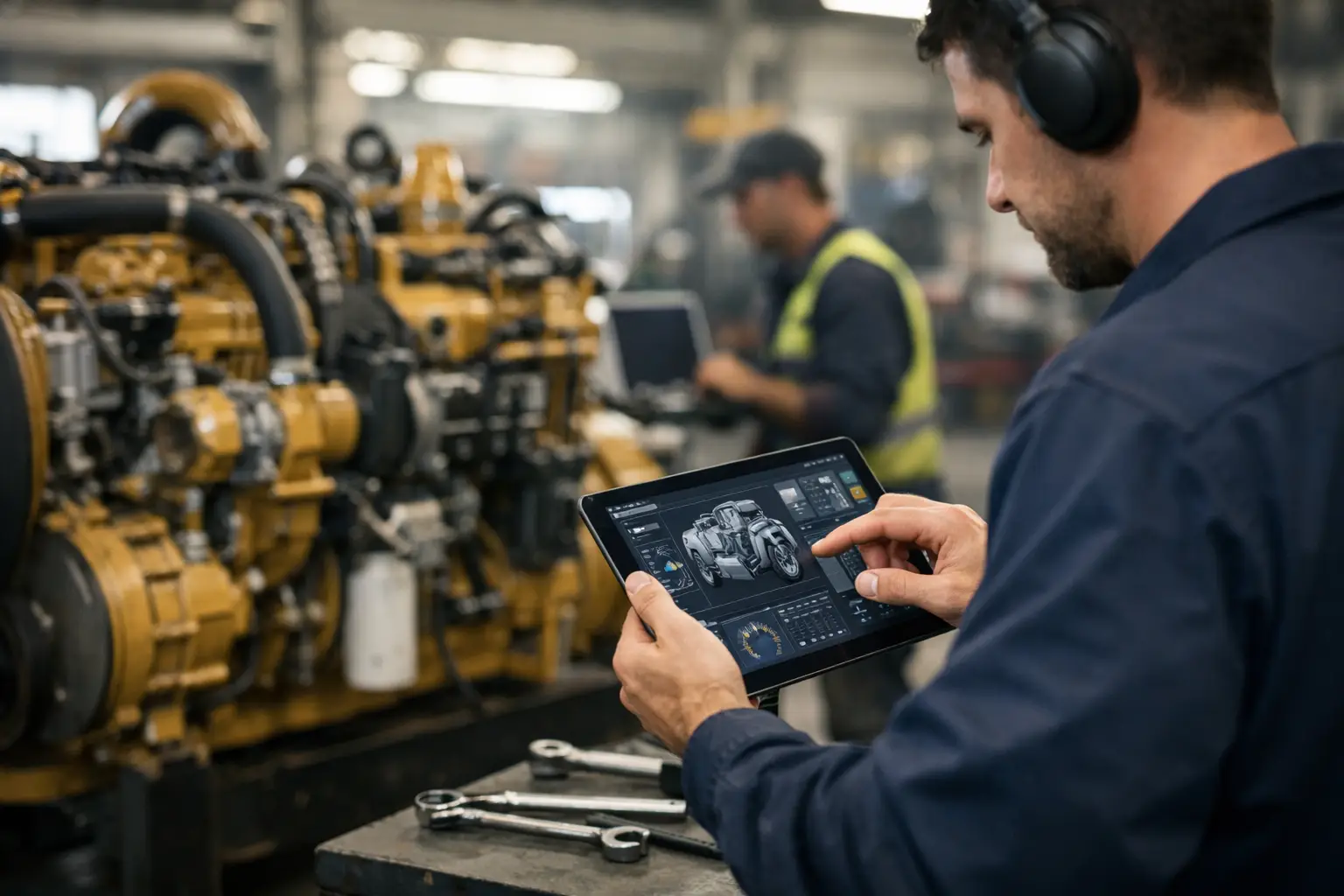
A Tier 4 engine comes in with a derate, an inactive fault history, and a customer who needs the machine back on site by morning. The difference between a profitable job and a stalled bay often comes down to one thing: industrial engine service software. If your workflow still depends on partial scan tools, dealer callbacks, or guessing through parameter issues, software access is no longer a nice extra. It is core shop infrastructure.
For technicians working on industrial engines, service software is not just a code reader. The right platform handles fault diagnosis, parameter changes, calibration procedures, injector coding, ECM programming, reset functions, and in some cases security-protected operations that basic aftermarket tools simply do not touch. That matters because modern engine repair is now as much digital as mechanical.
What industrial engine service software actually needs to do
A lot of products get labeled as diagnostic software, but industrial engine service software should be judged by function, not marketing. If it only reads active and inactive fault codes, it solves one small part of the job. Real service coverage needs to support the full repair process from identification to verification.
In practical terms, that means the software should let the technician connect to the engine control module, pull detailed fault data, view live parameters, run functional tests, and complete service routines. On many platforms, it also needs programming capability for replacing an ECM, updating calibration data, setting customer parameters, or correcting values after component replacement.
The details vary by OEM. A Perkins workflow is not identical to a Cummins workflow, and neither matches the logic used on agricultural or off-highway platforms tied into broader machine networks. Some software is engine-focused only. Some is integrated into full machine diagnostics. The right choice depends on whether your shop handles stand-alone engines, mixed fleets, or complete equipment systems.
Why generic tools fall short
Independent shops usually learn this the expensive way. A universal scan tool may connect, read a few faults, and display selected live data. Then the job stops at the first locked parameter, unsupported calibration, or factory routine that the tool cannot execute.
That gap creates hidden costs. You lose labor hours while chasing incomplete information. You may still need dealer involvement for password functions, ECM replacement, or system resets. In the worst cases, a shop replaces good parts because it lacks the software layer needed to verify inputs, outputs, and control logic correctly.
This is where dedicated industrial engine service software changes the economics of the repair. It reduces dependency on outside support, shortens troubleshooting time, and gives the technician control over service functions that otherwise stay behind dealer walls. For a busy diesel or equipment shop, that control directly affects turnaround time and margin.
Choosing industrial engine service software by workflow
The best buying decision starts with the jobs you already turn away, delay, or outsource. If your biggest pain point is advanced diagnostics, focus first on software with strong fault handling, data monitoring, and test functionality. If your bottleneck is module replacement or configuration, then programming support, calibration files, and password-related utilities matter more.
Coverage should be checked at the brand, family, and version level. Broad claims like supports Caterpillar or supports Cummins are not enough by themselves. You need to know which engine series, model years, emissions generations, and controller types are actually covered. A tool that works on older engines but not on current common rail or aftertreatment systems may still have value, but only if that matches your shop mix.
Operating system compatibility also matters more than many buyers expect. Some service applications are stable only on specific Windows versions. Others require activation methods, communication drivers, or interface settings that need to be right from the start. If installation is sloppy, even good software gets blamed for connection issues it did not create.
Then there is the access question. Some platforms provide standard service functions. Others require factory passwords, unlock utilities, migration files, or supporting firmware tools to complete protected operations. For a shop that regularly handles used equipment, replacement modules, or controller-level service, that extra layer is not optional. It is part of the real workflow.
The functions that save the most time in the shop
Not every high-level feature delivers equal value. In day-to-day service, the most useful software functions are usually the ones that eliminate repeat steps and prevent dead ends.
Live data with proper parameter naming is one of them. Clean, accurate data helps separate sensor faults from wiring faults and control issues. Functional tests are another. Being able to command actuators, trigger outputs, or run service routines can cut hours from diagnostic time.
Reset and relearn functions are also high-value. After replacing components, many engines require adaptation, calibration, or parameter confirmation before the repair is complete. Without that function, the machine may still derate, log faults, or refuse normal operation even when the hardware is correct.
Programming and flash support sit at the top of the value scale, but only if your shop is prepared to use them properly. These functions allow module replacement, software updates, and calibration changes, but they also carry more risk. Voltage stability, correct files, and exact procedure compliance matter. A shop that wants dealer-level capability needs dealer-level process discipline.
Software alone is not the whole system
Buying software without considering the rest of the service chain is a common mistake. Industrial engine service software depends on proper communication hardware, clean laptop configuration, and in some cases supporting files or utilities that complete the job.
For example, a technician may have the correct application but still need a compatible interface, brand-specific adapter settings, or additional technical files for programming and setup. Password-protected functions may require generator tools or factory-style access workflows. Parts identification can also become part of the service process when calibrations, injector trim codes, or replacement controller numbers must match exactly.
That is why experienced buyers look at capability in layers. They do not just ask whether the software installs. They ask whether it supports the actual repair from first connection to final verification.
What matters most for independent shops and fleets
Dealer access is convenient when it is available and affordable. Many shops and fleet departments do not have that luxury. They need direct control of diagnostics and service functions in-house, especially when equipment is spread across multiple brands or when downtime costs more than the software itself.
For independent repair operations, the value is usually tied to labor recovery and job retention. If software lets you complete resets, programming, or parameter work without sending the unit elsewhere, you keep the full job in your bay. For fleets, the value is less about resale margin and more about uptime. A truck, generator, pump, or machine sitting inactive because of a locked electronic function costs real money fast.
There is a trade-off, though. More capability means more responsibility. The software may give access to advanced procedures, but the technician still needs the right process, electrical stability, and platform knowledge to use those functions safely. Access is powerful. Misuse is expensive.
Evaluating software like a technician, not a casual buyer
The best way to judge a package is to look past broad claims and check the practical details. Which OEM platforms are supported? Which service functions are included? Does it handle programming or only diagnostics? Is usage limited or unlimited? Does it rely on online dealer access, or can key tasks be completed directly in the shop?
Versioning matters too. In this market, a software version is not just a technical note. It can determine controller support, operating system behavior, and whether a specific machine in your bay is serviceable today or not. Installation format matters for the same reason. A digital delivery package that is organized correctly can get a technician working faster than a poorly documented physical setup ever will.
This is where specialist suppliers have an advantage over general resellers. A source that understands diagnostic ecosystems, password workflows, firmware utility use, and brand-specific limitations is more useful than one that just reposts product names. That technical context is part of the product.
SYSTEMRTX operates in that exact space, where service software is evaluated by function, compatibility, and workshop outcome rather than by generic feature language.
Where the real return comes from
The return on industrial engine service software is not just faster code reading. It comes from expanding what your shop can finish without outside dependency. That includes troubleshooting deeper, replacing and configuring controllers correctly, handling protected service functions, and supporting more brands with fewer delays.
For some operations, the return is immediate because one avoided dealer visit offsets the cost. For others, it builds over time through better labor efficiency and stronger customer retention. Either way, the pattern is the same. When software access matches the actual demands of modern engine repair, the shop stops working around limitations and starts controlling the job.
If you are still piecing together service coverage from basic scanners and phone calls, the next upgrade is not another generic tool. It is software that can actually finish the repair.