
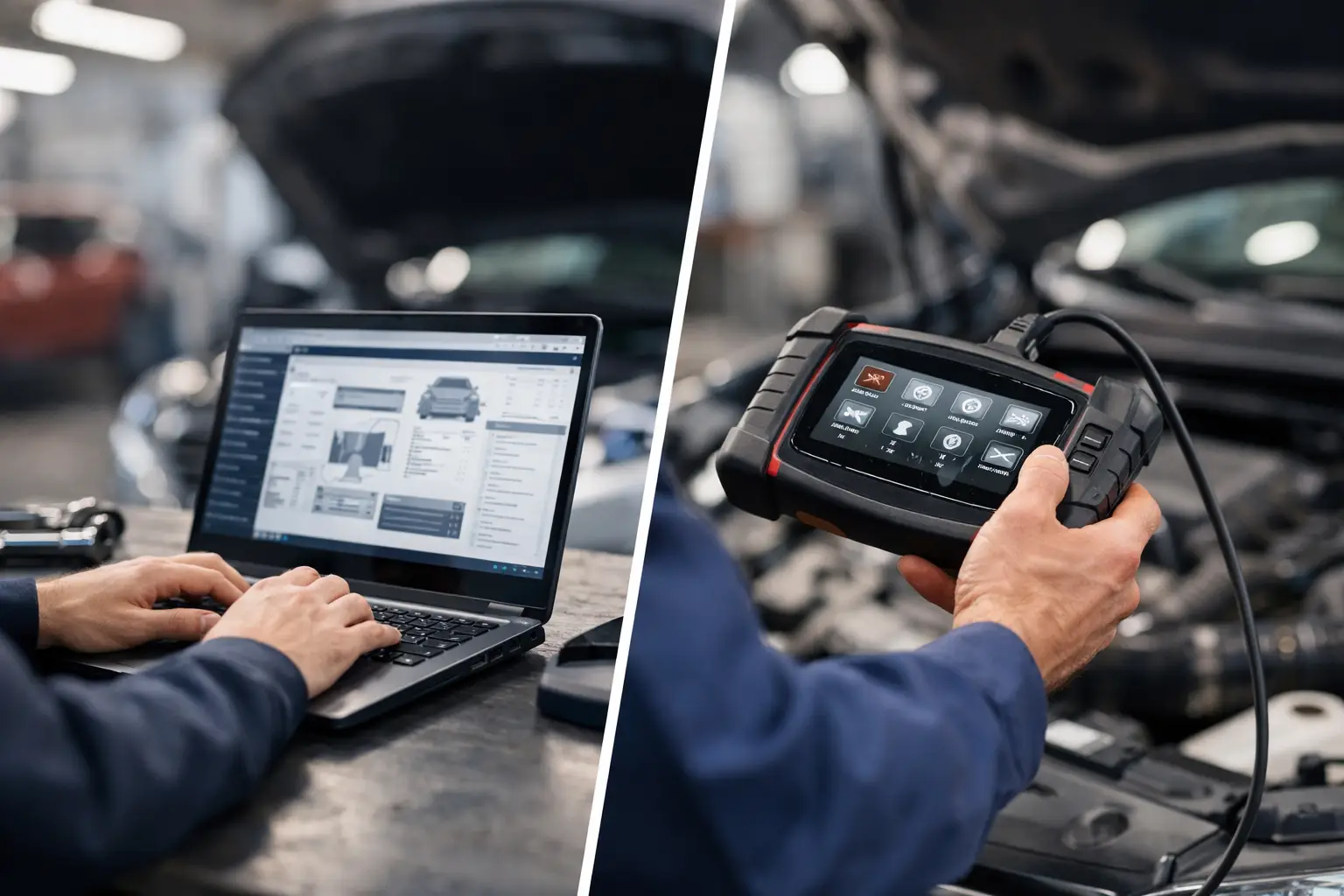
A machine comes in with a derate, an active fault, and a customer who needs it back on the job by morning. That is where the service software vs scan tool question stops being theoretical. In a working shop, the difference directly affects whether you can read codes only, run proper tests, complete calibrations, or actually change what the ECM is doing.
For heavy equipment, ag machinery, diesel engines, and commercial vehicle platforms, these are not interchangeable categories. They overlap, but they do not deliver the same level of access. If your workflow includes parameter changes, injector coding, forced regens, ECM replacement, resets, or dealer-level troubleshooting, choosing the wrong side of that comparison costs time and usually sends the job back to the dealer.
Service software vs scan tool: the core difference
A scan tool is primarily an access device for fault retrieval, live data, and selected bidirectional functions. In many cases, it is built to communicate across multiple brands and give technicians a faster path to common diagnostic tasks. For routine troubleshooting, that can be enough.
Service software is typically OEM-specific or platform-specific software installed on a PC. It goes deeper into the control system architecture and is designed around factory service procedures. That usually means more complete module visibility, more test routines, configuration options, calibration support, programming functions, and access to protected workflows.
The practical distinction is simple. A scan tool tells you what the machine is reporting. Service software lets you work inside the system with much greater control.
That does not mean every service software package includes full programming rights, and it does not mean every scan tool is limited to code reading. Some high-end tools can perform advanced service functions. Some OEM applications require separate licenses, password utilities, factory files, or communication adapters before deeper functions are available. But as a rule, scan tools are broader and lighter, while service software is narrower and deeper.
Where a scan tool makes sense
For many shops, a scan tool is still the right first-line purchase. If you cover mixed fleets, need quick check-in diagnostics, or want a single device that can move from one unit to another without opening brand-specific applications, a scan tool has obvious value.
It is often the faster option for confirming active and logged faults, viewing sensor values, checking regen status, monitoring rail pressure, or verifying that a repair changed the operating condition. In mobile service work, that speed matters. You do not always need a laptop-based factory environment just to identify a failed sensor or confirm a wiring issue.
A scan tool also makes sense when your business model is centered on mechanical repair rather than software-intensive service. If most of your jobs involve replacing failed components, repairing harness damage, or handling standard PM-related fault events, broad diagnostic coverage may provide a better return than investing deeply in one OEM ecosystem.
The limitation shows up when the repair procedure moves past observation and into control. If the machine requires a learned value reset, a component calibration, a forced routine with OEM steps, or a parameter update tied to a serial-number-specific configuration, many universal tools stop short.
Where service software earns its cost
Service software becomes necessary when the job requires dealer-style system access. That includes troubleshooting routines that depend on factory test plans, system-specific calibrations, security-related functions, ECM setup, injector trim entry, aftertreatment resets, clutch teach-in, hydraulic calibrations, and software-controlled replacement procedures.
On modern equipment, replacing a component is often the easy part. Getting the new component accepted by the machine is where the job can stall. A new ECM may need configuration. A VGT actuator may need calibration. A transmission controller may require initialization. A fuel system repair may not be complete until coding values are written correctly.
This is where service software changes the economics of the shop. Instead of outsourcing the final step or hauling the machine to a dealer for one protected procedure, the shop can complete the full repair in-house. For independent operations and fleet departments, that control reduces downtime and protects margin.
The other advantage is diagnostic depth. OEM service applications usually expose more status screens, more hidden parameters, more subsystem-level data, and more guided tests than a general-purpose tool. When you are working through intermittent electrical faults or module communication issues, that extra visibility is often what separates a fast diagnosis from a parts-swapping cycle.
The real trade-off: coverage vs depth
Most professionals are not choosing between good and bad. They are choosing between coverage and depth.
A scan tool usually gives you wider brand compatibility. That matters if your shop touches Caterpillar in the morning, John Deere after lunch, and a Cummins-powered fleet truck before closing. One device, one interface, and one workflow can make sense operationally.
Service software usually gives you deeper brand-specific function. That matters if your shop sees the same OEM lines repeatedly and customers expect complete support, not partial access. If your workload includes protected functions, firmware-related operations, or serial-number-specific procedures, depth wins.
There is also a training factor. A universal scan tool often has a flatter learning curve. Service software tends to require stronger familiarity with OEM structure, adapter setup, communication layers, version compatibility, and, in some cases, supporting files or passwords. A capable technician will learn it, but there is a difference between plugging in a handheld tool and managing a factory software environment correctly.
Why this matters more on heavy equipment and diesel platforms
The service software vs scan tool decision is more critical on heavy equipment than on light-duty automotive platforms because the repair consequences are larger. A construction machine, tractor, generator set, or commercial diesel unit can lose significant revenue every hour it sits. The systems are also more specialized, with tighter integration between engine, hydraulics, transmission, aftertreatment, and body controls.
That creates more situations where a code reader is not enough. A fault may be present because a calibration was lost, because a module was replaced without proper setup, because a security function is blocking initialization, or because an OEM-specific service routine was never completed after the mechanical repair. In those cases, data access alone does not finish the job.
The aftermarket technician also runs into access restrictions more often. Dealer platforms may lock down resets, programming events, and protected features behind software layers, license levels, or password systems. Shops that want independence need more than a generic diagnostic interface. They need the software and utilities that match the actual service requirement.
How to choose based on shop workflow
If your daily work is fault retrieval, live data checks, and basic bidirectional testing across many brands, start with a scan tool. It gives immediate utility and broad deployment across the shop.
If your jobs regularly include ECM replacement, calibrations, coding, service resets, programming support, or advanced troubleshooting on specific OEM lines, service software should be treated as production equipment, not an optional extra. It is part of your ability to close jobs without outside support.
If you run a mixed operation, the smartest setup is often both. The scan tool handles intake diagnostics and quick field checks. Service software handles the jobs that require factory-level procedures. That combination is common in serious independent shops because it matches how work actually arrives: broad at the front end, specialized once the diagnosis is confirmed.
You also need to evaluate compatibility before buying anything. Coverage claims are not enough. Check brand, model family, engine platform, controller generation, adapter requirement, operating system support, and whether the workflow needs separate technical files, passwords, firmware packages, or unlock utilities. On advanced systems, the software itself is only one part of the toolchain.
A shop that buys based on marketing language alone usually ends up with partial functionality. A shop that buys based on exact use case gets a usable service stack.
The cost question most shops ask too late
Scan tools often look less expensive at the start, and for basic diagnostics they usually are. But cost has to be measured against lost capability. If the cheaper tool reads faults but cannot complete the final procedure, the real cost shows up in downtime, subcontracted programming, transport, and delayed billing.
Service software can require a larger initial investment, especially when paired with adapters, licenses, or supporting utilities. Even so, the return is strong when it eliminates dealer dependence on repeat jobs. One avoided tow, one in-house controller replacement, or one completed calibration on a high-value machine can justify the purchase quickly.
That is why advanced repair operations tend to build capability around the work they want to own. They do not just ask, “Can this tool connect?” They ask, “Can this tool complete the workflow from fault to finished repair?”
For shops expanding into deeper OEM diagnostics, providers like SYSTEMRTX are relevant because the need is rarely limited to one item. Software, password tools, firmware utilities, and technical files often have to work together if the goal is real service access rather than basic code reading.
The right choice comes down to how far into the machine you need to go. If you only need visibility, a scan tool may be enough. If you need control, setup, calibration, and programming support, service software is usually the tool that keeps the job in your bay instead of someone else’s.