
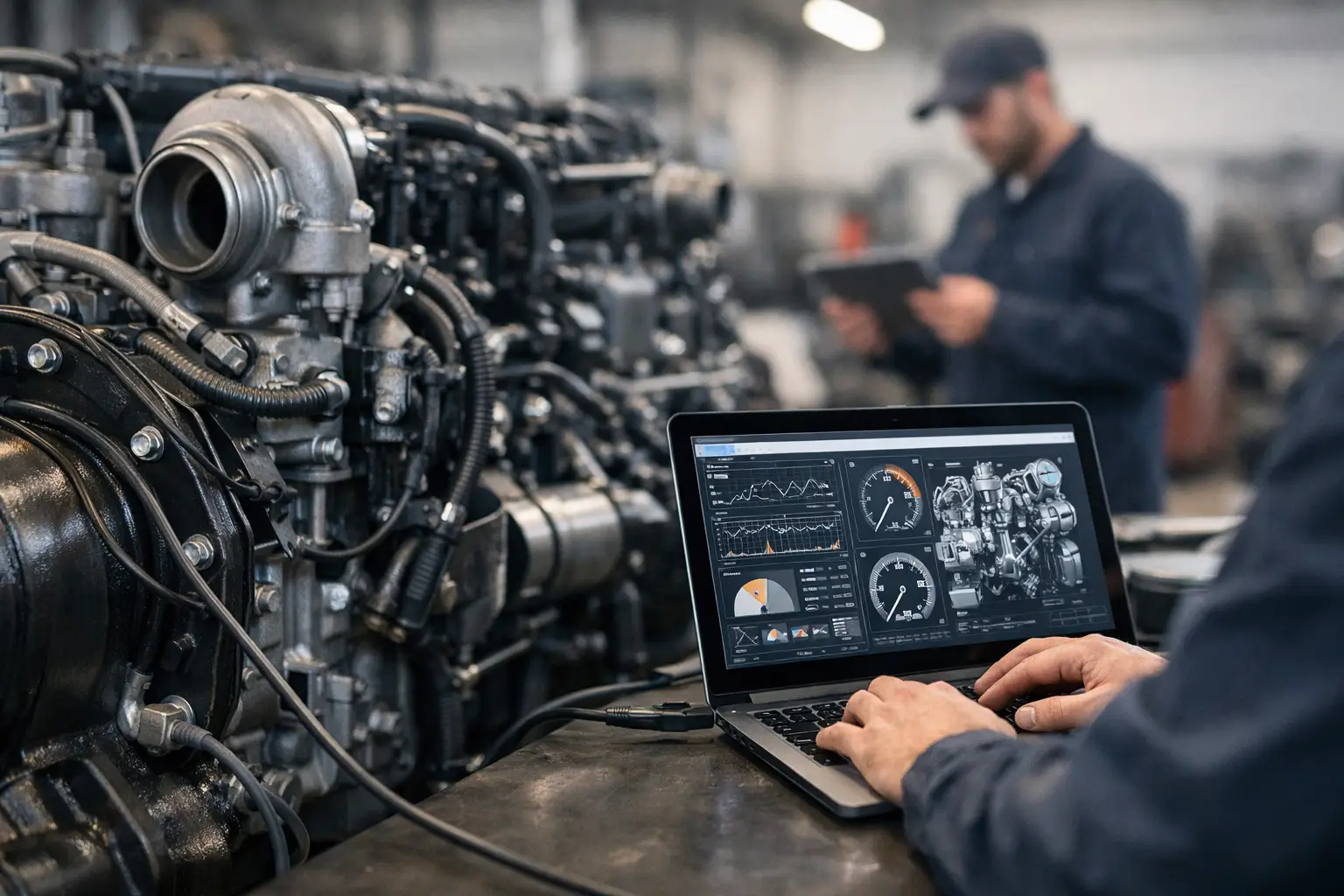
A fault code by itself does not fix a machine. On a modern diesel platform, the real work starts after the code is pulled – confirming the complaint, checking live data, running bidirectional tests, and deciding whether the problem is mechanical, electrical, calibration-related, or tied to a locked control function. That is why choosing the best diesel engine troubleshooting software matters. The right package saves labor hours, reduces parts swapping, and gives your shop control over work that would otherwise be pushed to the dealer.
For professional technicians, there is no single software package that is best across every diesel application. A fleet shop working on Cummins-powered trucks has different requirements than an ag service provider supporting John Deere and AGCO equipment, and both are different from a contractor focused on Caterpillar or JCB machines. The correct answer depends on engine brand, machine type, electronic architecture, and whether your workflow stops at diagnosis or extends into programming, resets, calibrations, and security functions.
What the best diesel engine troubleshooting software actually needs to do
Basic code readers are not troubleshooting software. If a tool only reads and clears fault codes, it is useful for intake but weak for diagnosis. Professional diesel troubleshooting software needs to go further. It should give access to live parameters, freeze frame or event data where supported, functional tests, injector cutout tests, cylinder contribution information, DPF and aftertreatment data, regeneration controls, sensor verification, and ECM-level information that helps isolate root cause.
Coverage depth matters more than marketing language. Many general scan tools claim diesel support, but their access is often limited to emissions codes and a narrow set of parameters. That may be enough for a quick road vehicle check, but it is not enough when you need to verify rail pressure response, command an actuator, reset learned values, or confirm why a derate remains active after parts replacement.
The best software also needs stable communication. That sounds obvious, but in the field it is a major separator. If the platform drops connection during tests, struggles with adapters, or only partially supports the control modules on a machine, diagnostics slow down fast. Reliable communication with the ECM, aftertreatment controller, transmission, body modules, and machine control systems changes the speed of every job.
OEM software vs multibrand platforms
This is the first real decision point when evaluating the best diesel engine troubleshooting software. OEM software generally provides the deepest access. That usually means more complete fault descriptions, guided test procedures, configuration support, calibrations, special tests, and brand-specific service functions. If your shop is heavily concentrated around one manufacturer, OEM software is usually the stronger long-term choice.
Multibrand platforms have a different advantage. They reduce tool sprawl in mixed fleets and independent repair environments. If you touch a rotating mix of on-highway trucks, ag tractors, construction equipment, and industrial diesel engines, a multibrand workflow can improve intake speed and basic diagnostics. The trade-off is that access may be shallower on certain brands or systems.
For many professional shops, the answer is not either-or. It is layered. A multibrand platform can handle broad service intake and common fault work, while OEM-level software is used when the job requires dealer-grade functions, configuration changes, calibration support, or locked procedures.
Best diesel engine troubleshooting software by use case
If your work centers on commercial trucks, engine coverage and emissions diagnostics are the priority. You need dependable access to engine data, aftertreatment functions, forced regen procedures, injector testing, turbo actuator controls, and support for common diesel platforms used in fleets. In this environment, software that reads codes but cannot run tests is a bottleneck.
If you service construction and heavy equipment, engine troubleshooting is only part of the picture. You may also need hydraulic controller communication, machine monitoring systems, immobilizer-related support, and brand-specific service routines. On these platforms, software value increases sharply when it can move from diagnosis into parameter changes, calibrations, and module replacement workflows.
Agricultural service has its own demands. Technicians often need model-specific access, machine and engine controller communication, performance data under varying loads, and support for seasonal uptime pressures where delay is expensive. In ag applications, troubleshooting software that also supports service procedures and machine configuration is usually more valuable than a generic diesel-only package.
Industrial engine support can be even more specific. Generator sets, pumps, and stationary units may require factory-level diagnostic communication, event history review, parameter checks, and reset functions that are not available through broad automotive tools. Here, brand alignment matters more than broad coverage claims.
Features that separate professional software from entry-level tools
Live data quality is one of the biggest separators. Good software does not just display a long parameter list. It gives usable refresh rates, logical grouping, and enough controller access to compare commanded values against actual values in real time. That is how you catch intermittent sensor faults, rail pressure instability, boost control issues, and aftertreatment problems that do not show up clearly in static code screens.
Bidirectional control is just as important. If you cannot command a component, many diagnostic decisions become guesswork. The ability to run cutout tests, trigger actuators, command regens, reset values, and verify response directly through software shortens the path to a confirmed repair.
Programming and security access are where many shops hit the wall. Some diesel faults are not resolved by replacing hardware alone. The repair may require ECM reset, injector coding, parameter programming, immobilizer work, or access to protected service routines. If your software cannot handle those steps, you may still end up depending on a dealer even after doing the mechanical repair in-house.
Technical files and service information also affect software value. Troubleshooting software is stronger when paired with wiring diagrams, factory procedures, parts references, or specialized utilities that support the full repair process. Diagnosis rarely happens in isolation.
How to evaluate software before you buy
Start with your brand mix. If 70 percent of your workload is Cummins, Caterpillar, Perkins, John Deere, or another specific OEM, software depth for that brand should outweigh broad but shallow compatibility. A tool that fully supports your core machines will outperform a universal option that only covers the basics.
Next, define the jobs you actually need to complete. There is a big difference between reading faults, confirming root cause, clearing derates, programming replacement modules, and handling locked service functions. Shops often buy software based on code-reading claims, then find out later that the package does not support the high-value procedures that justify the purchase.
Then check operating requirements. Version compatibility, installation format, interface support, Windows requirements, and adapter needs all matter. Good software on the wrong laptop or with the wrong communication hardware becomes a support issue instead of a workshop asset.
Finally, consider usage model and downtime cost. Unlimited-use packages, digital delivery, and direct access to brand-specific utilities can make more financial sense than recurring dealer visits or delayed field repairs. For independent shops and fleet departments, control over turnaround time is usually worth more than the initial software price difference.
Common buying mistakes
The first mistake is treating all diesel diagnostics as one category. Truck software, heavy equipment software, and industrial engine software may overlap, but they are not interchangeable in any serious sense. Architecture, access level, and supported functions vary too much.
The second mistake is buying on the basis of fault code coverage alone. Fault code access is entry-level capability. Real troubleshooting requires test functions, data interpretation, and controller-level operations that narrow the cause of failure.
The third mistake is ignoring restricted functions. Password-protected routines, calibration locks, and OEM security layers can stop a repair even when the hardware diagnosis is correct. If your work regularly involves controller replacement, resets, programming, or decertification-related workflows where legally applicable and technically supported, software capability in those areas should be checked up front.
Where the best value usually comes from
For professional users, the best diesel engine troubleshooting software is rarely the cheapest option and rarely the broadest marketing claim. The best value comes from software that matches your actual equipment base, gives stable communication, supports advanced tests, and lets your shop finish the repair without handing the final step to someone else.
That is why many experienced buyers look for brand-specific packages, factory-level functions, password and firmware utilities, and supporting technical files as part of one working ecosystem. For shops that need dealer-grade control without dealer dependency, that combination creates the biggest return. Providers such as SYSTEMRTX fit this model because the focus is not generic diagnostics. It is access to the specific software, service tools, and technical resources required to complete real jobs on real machines.
If you are comparing options, do not ask which software has the longest feature list. Ask which one will let your shop confirm the fault, run the test, complete the reset, program the replacement, and put the unit back to work with the fewest delays. That is the software that earns its place on the bench.
Pingback: Cummins Inline Adapter Review for Shop Diagnostics - SYSTEMRTX