
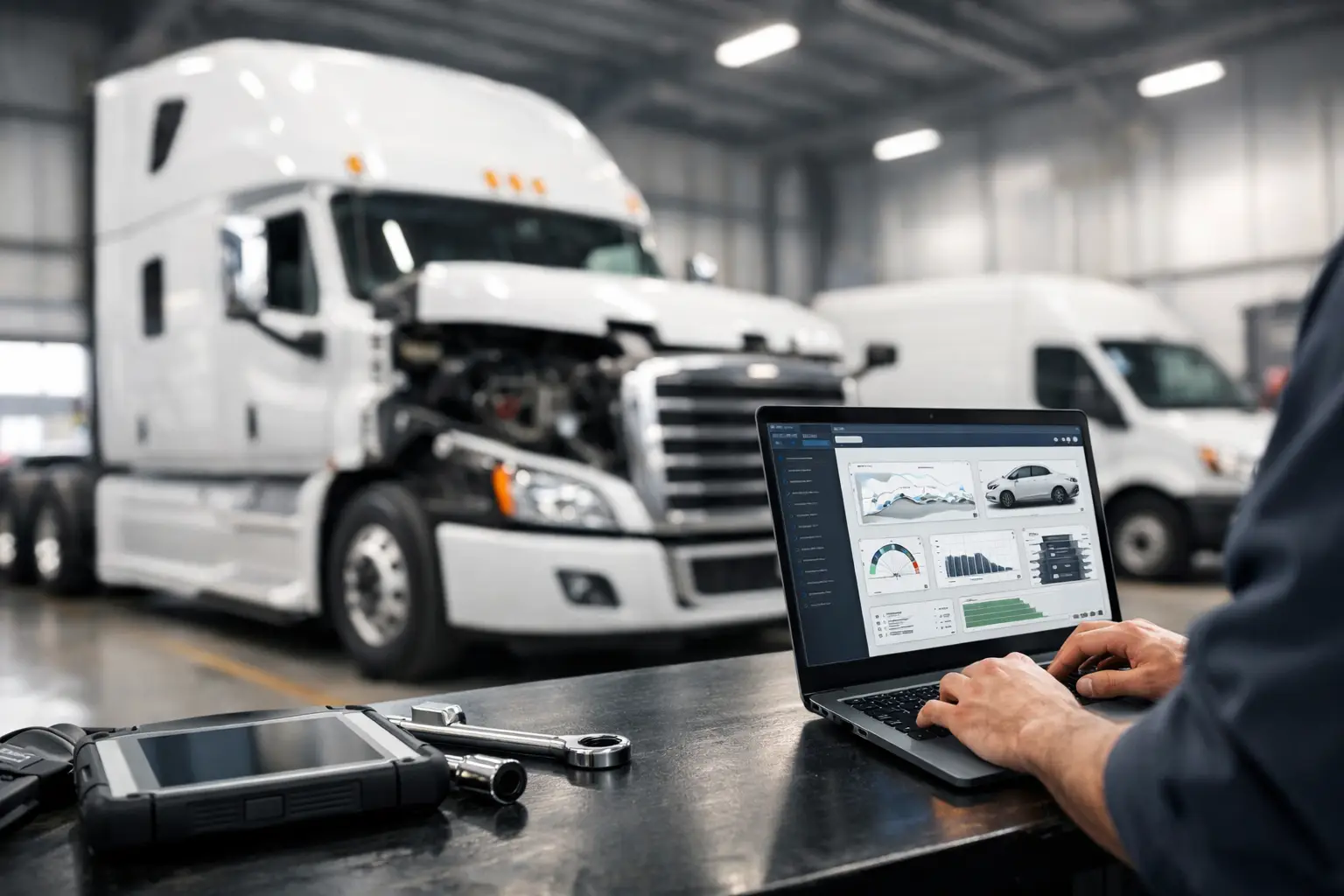
A truck can be mechanically sound and still be sidelined by a parameter fault, an aftertreatment derate, a missing security code, or a module that will not accept a replacement calibration. This commercial vehicle service software guide is built for shops and fleet departments that need to identify the right software capability before the vehicle reaches a bay – not after hours have been lost to incomplete access.
Commercial vehicle diagnostics is no longer limited to reading and clearing fault codes. Modern diesel platforms use multiple electronic control modules, OEM-specific communication protocols, protected service routines, and configuration data that can determine whether a repair is completed in-house or handed back to a dealer. The correct software package must match the vehicle brand, model range, controller generation, required service function, and available interface hardware.
What Commercial Vehicle Service Software Must Do
At a minimum, service software should establish stable communication with the vehicle, identify installed controllers, read active and stored diagnostic trouble codes, display live data, and perform guided tests. That baseline is useful for fault isolation, but it is not enough for many commercial repair operations.
The higher-value functions are usually the ones that remove a real bottleneck in the shop. Depending on the OEM platform, this can include injector coding, DPF service routines, SCR system tests, clutch or transmission calibration, ECM replacement setup, parameter editing, module programming, immobilizer functions, password generation, and access to wiring or technical documentation.
The distinction matters. A generic scan application may identify a fault for a NOx sensor circuit, for example, while brand-specific software may allow the technician to run the required actuator test, confirm command versus feedback, complete a learned-value reset, and verify the repair under the correct operating conditions. Code reading tells you where to start. Factory-level workflows are what move the job toward completion.
Commercial Vehicle Service Software Guide: Start With Coverage
Software selection starts with the equipment actually entering your facility. A mixed fleet operation may need separate solutions for DAF, MAN, Cummins-powered vehicles, or other OEM-specific systems. An independent diesel shop may need coverage based on local customer volume rather than attempting to buy every available package.
Do not select software based on a brand name alone. Confirm the supported model years, engine families, emissions generations, and controller types. Older vehicles may communicate through different protocols than newer models. A package that works well on a 2016 platform may not support a late-model gateway architecture, or it may provide diagnostics without programming access.
Also separate engine coverage from vehicle coverage. Cummins engine diagnostic capability can be essential, but it does not automatically provide access to a truck manufacturer’s body controller, transmission module, instrument cluster, chassis configuration, or OEM service functions. Shops that perform complete vehicle repairs need to know exactly which systems are included.
A practical coverage review should answer four questions:
- Which makes, models, and model years are supported?
- Which electronic modules can be accessed?
- Does the package support diagnostics only, or diagnostics plus programming and configuration?
- What interface, operating system, and connection method are required?
If the answers are not specific, assume the capability is limited until it is verified.
Diagnostic, Programming, and Security Functions Are Different Purchases
Many purchasing mistakes happen because the terms diagnostic software, programming software, and password tool are treated as interchangeable. They are not.
Diagnostic software is focused on communication, fault-code handling, live data, system tests, and troubleshooting procedures. It is the core tool for identifying electrical, sensor, actuator, and network-related faults. For routine maintenance and repair, this may be the primary requirement.
Programming software writes data to a controller or installs a calibration. It may be required after ECM replacement, software updates, controller recovery, parameter changes, or certain retrofit procedures. Programming introduces more risk than code reading. Battery support, stable communication, correct files, and verified controller identification are non-negotiable because an interrupted session can leave a module inoperative.
Security and password utilities address protected operations. On certain platforms, a technician may need a factory password, seed-key calculation, access code, or an authorized security procedure before changing parameters or completing service routines. A capable repair workflow accounts for this requirement before the vehicle is disassembled or a module is replaced.
Buy according to the job you perform. A fleet that only needs preventive maintenance and fault tracing may not need programming capability on every workstation. A diesel electronics specialist handling replacement ECMs, calibration work, and locked functions needs a more complete technical stack.
Check Hardware and Computer Requirements Before Purchase
Software is only one part of the diagnostic system. The correct vehicle communication interface is just as important. Some applications require a specific OEM adapter, while others work through approved pass-through hardware or supported J2534 devices. An unsupported interface can cause connection failures, incomplete module access, slow data transfer, or programming errors.
Review whether the package requires a wired connection, whether it supports CAN and newer network architectures, and whether it depends on an internet connection for activation, updates, or protected service functions. Shop Wi-Fi may be adequate for downloads, but a hardwired and stable setup is often the better choice during programming work.
Operating system compatibility deserves the same attention. Confirm the supported Windows version, available storage, RAM requirements, administrator permissions, driver requirements, and whether antivirus exclusions are necessary for legitimate service utilities. A dedicated diagnostic laptop is often more reliable than a general-use office computer loaded with unrelated software and automatic updates.
For programming operations, use regulated battery support rated for the application. A charger that maintains voltage during routine service may not hold a stable enough supply during extended controller flashing. Voltage drop is one of the fastest ways to turn a software task into a recovery job.
Evaluate the Workflow, Not Just the Feature List
A long list of functions has limited value if the workflow does not fit your operation. Consider the complete path from vehicle intake to final verification. Can the software automatically identify the unit? Does it provide clear module information? Are test routines available when needed? Can the technician save reports, capture data, and document the repair order?
For fleet maintenance departments, repeatability often matters more than maximum feature count. A tool that gives technicians consistent access to common fault tracing, service resets, and inspection data can reduce downtime across multiple bays. For a specialist repair shop, advanced access to calibration, programming, password, and recovery functions may produce more value because those capabilities support jobs competitors must outsource.
There is also a trade-off between broad multi-brand coverage and deep OEM coverage. Multi-brand tools can be efficient for basic diagnosis across a diverse customer base. OEM-focused software is generally the stronger choice when a repair requires dealer-level tests, module configuration, detailed service information, or brand-specific programming. The best setup is often a combination: broad coverage for intake and routine work, with targeted OEM packages for the brands that generate the most complex repairs.
Protect the Vehicle, the Shop, and the Repair
Advanced software access does not replace technician judgment. Before changing parameters, flashing a module, or running a forced service routine, record the original controller identification, calibration information, active faults, and vehicle configuration. Confirm that the repair order supports the action and that the vehicle is eligible for the procedure.
Emissions-related settings and calibrations require particular care. Service work must comply with applicable federal, state, and local requirements, as well as the vehicle manufacturer’s specifications. A short-term attempt to bypass a fault can create legal exposure, component damage, or a larger repair later. The correct approach is to diagnose the root cause, repair the system, and verify that commanded values, sensor feedback, and fault status are operating normally.
Access control also matters in a multi-technician shop. Keep software installers, activation details, interface drivers, and technical files organized. Limit programming and security functions to trained staff, and maintain a record of major electronic changes. This protects your operation when a vehicle returns, a module fails, or a customer requests documentation.
Build a Software Stack Around Revenue and Downtime
The right buying decision is rarely the lowest initial price or the package with the largest feature list. It is the package that handles the failures your shop sees most often, supports the vehicles you are equipped to repair, and eliminates expensive dealer dependency without adding avoidable risk.
Start with your last 20 electronically complex repair orders. Identify the brands involved, the functions that stopped the repair, the work you outsourced, and the hours lost waiting for access or information. That record will show whether you need stronger diagnostics, dedicated programming capability, security tools, or better technical documentation.
For shops expanding into dealer-grade commercial vehicle work, SYSTEMRTX can be a practical source for brand-specific diagnostic software, password utilities, technical files, and service resources. Verify version support, system requirements, and intended functions before installation, then build the diagnostic workstation around the work you plan to keep in-house.
A properly matched software setup does more than clear faults. It gives the technician a controlled path from symptom to test, from repair to configuration, and from completed work to a vehicle that can return to service with fewer unanswered questions.