
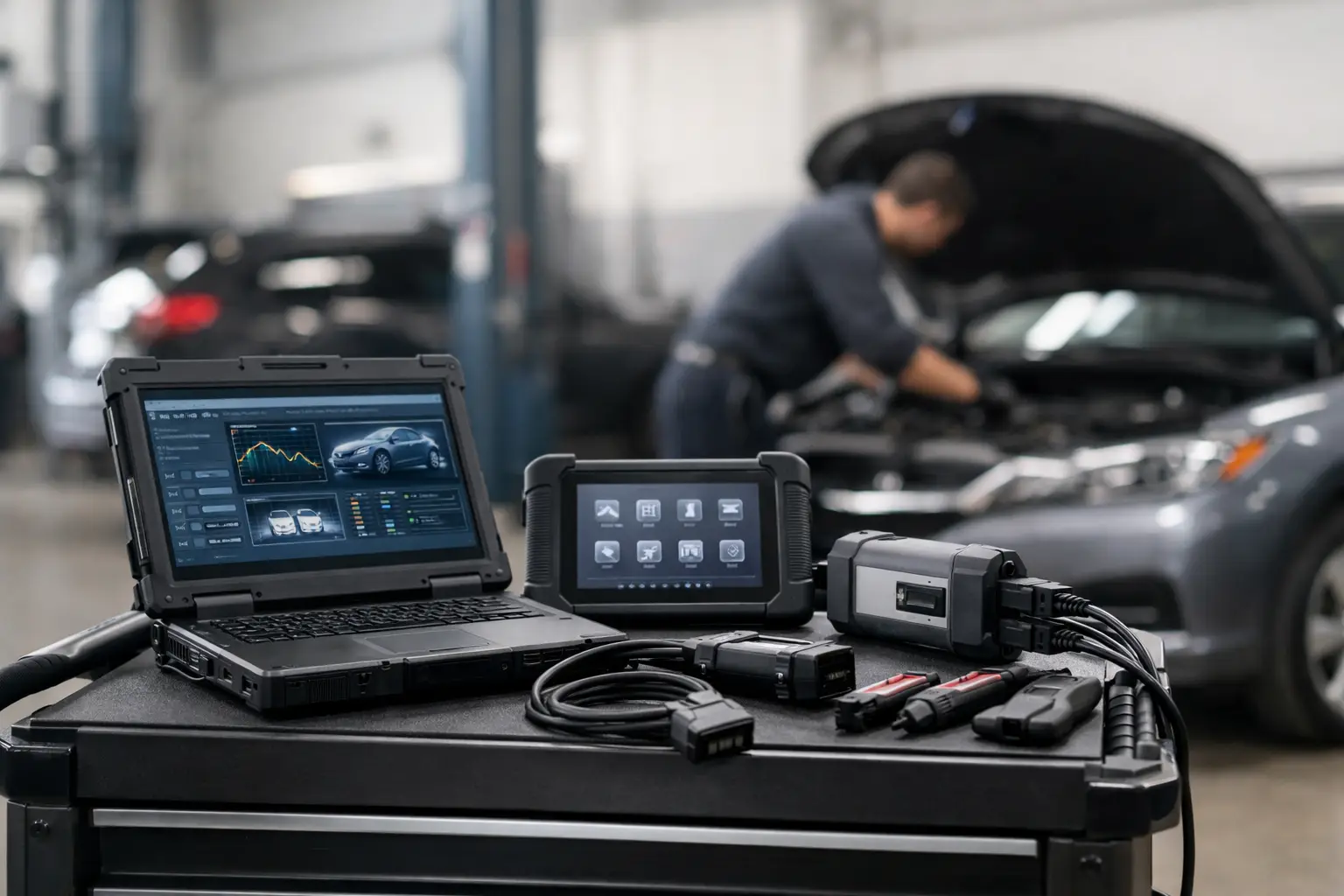
A machine can have a clean fault report, a new sensor, and good power and ground – then still refuse to return to work because the replacement component has not been initialized, calibrated, or written to the controller. That is the point where dealer-level service tools separate basic code reading from actual repair capability. For heavy equipment, agricultural machinery, commercial vehicles, and industrial engines, the final step is often software-based.
A professional shop does not need every factory application for every OEM. It needs the correct diagnostic coverage, communication hardware, technical files, and authorized access method for the equipment it services. The right combination reduces dealer dependence, shortens turnaround time, and gives technicians control over repairs that cannot be completed with a universal scan tool alone.
What Dealer-Level Service Tools Actually Do
Dealer-level service tools are applications and supporting utilities designed to perform the same classes of service operations used in OEM repair workflows. Depending on the platform and machine configuration, that can include reading and clearing active or logged faults, viewing live parameters, running bidirectional tests, performing calibrations, programming controllers, resetting learned values, and identifying correct replacement parts.
The key difference is function depth. A generic scanner may show an SPN/FMI code or a brief description. Factory-oriented software can expose the conditions behind that code: commanded versus actual rail pressure, aftertreatment temperatures, actuator position, CAN communication status, injector correction data, or calibration history. It may also provide guided test plans and service routines tied to that specific model family.
That depth matters when the repair involves more than a failed component. A transmission clutch adaptation, hydraulic pump setup, steering angle calibration, injector coding event, or ECM replacement may require a procedure that generic equipment cannot start. The mechanical work is only half the job. The controller must recognize the repair and operate with valid configuration data.
Where Basic Diagnostics Stop
Basic diagnostics remain useful for quick triage. They are often fast, portable, and sufficient for routine fault checks. The limitation appears when a job requires protected functions, OEM-specific data, or controlled programming.
Consider a fleet truck with a recurring derate. A generic tool can identify a fault group, but it may not provide the complete monitoring list or the guided steps needed to prove whether the problem is wiring, a sensor bias issue, a dosing fault, or a controller configuration mismatch. On agricultural equipment, a code reader may identify a communication fault but not give access to the machine-specific network view needed to isolate the module that is dropping off the bus.
The same applies to replacement controllers. An ECM, body controller, display, instrument cluster, or engine module may need a correct flash file, parameter set, migration file, or security procedure before it can communicate normally with the rest of the machine. Installing hardware without the required software workflow can turn a straightforward repair into an extended downtime event.
Choosing Dealer-Level Service Tools by Workflow
Do not select software by brand name alone. Select it by the work your shop must complete from intake through final verification. A technician servicing Cummins-powered commercial equipment has different requirements than a specialist working on John Deere agricultural platforms, JCB construction equipment, or Perkins industrial engines.
Start with the exact equipment population: OEM, model series, engine family, model year range, controller generation, and communication protocol. A tool that supports an older platform may not cover later electronic architecture. Conversely, the newest application may require a current interface driver, a specific operating system version, or an approved communication adapter.
Then define the required functions. Fault reading is the baseline. The value is in the operations that create revenue and prevent sublet work: parameter monitoring, actuator tests, injector or component coding, calibration, controller replacement procedures, firmware programming, service resets, parts lookup, and technical documentation. If a tool only reads codes, it should be priced and treated as a code reader, not as a dealer-level solution.
Software, Interface, and Files Must Match
Dealer-level diagnostics are a system, not a single download. The service application needs a compatible laptop environment, correct drivers, stable power, and a communication interface that supports the equipment network. When programming is involved, voltage support is not optional. Low voltage, an unstable connection, or a laptop sleep event during a write process can leave a controller unusable.
Technical files must also match the controller hardware and calibration strategy. A file intended for one engine serial range or ECU part number may not be valid for another. Verify identifiers before loading anything. Record the original configuration, current software level, and machine details before starting a programming job. That record protects the shop when a machine has prior modifications, undocumented repairs, or a controller that does not match the original build.
Functions That Deliver the Highest Shop Value
The best return usually comes from service functions that eliminate repeat trips, dealer scheduling, and unnecessary parts replacement. For most repair operations, the priority is not having the largest software library. It is having reliable access to the functions technicians use every week.
High-value capabilities commonly include:
- Live data with OEM parameter names, units, and status information.
- Active tests that command solenoids, injectors, relays, fans, valves, and actuators.
- Calibration routines for components changed during repair.
- Controller programming and configuration recovery where supported.
- Parts catalogs and technical documentation that verify applications before ordering.
Each function supports a different part of the repair process. Live data confirms the failure. Active tests isolate the circuit or component. Calibration completes the installation. Programming restores correct logic or configuration. Parts information prevents ordering the wrong sensor, harness, controller, or service kit.
Programming Requires Process Discipline
Programming is where a capable shop can gain significant independence, but it is also where shortcuts cause the most expensive mistakes. A controller should never be flashed simply because a fault is present. First confirm the existing software level, active fault state, battery voltage, communication integrity, and reason for the update. A programming event cannot correct a broken power feed, damaged CAN wiring, or incorrect hardware installation.
Use a repeatable process. Stabilize system voltage, prevent the laptop from sleeping, disable interruptions that can disrupt the session, and use a proven interface. Capture pre-programming information, including faults and configuration values. After the procedure, confirm successful communication, inspect module identification, clear only faults that have been addressed, and complete any required setup routines.
Security-related functions require the same discipline. Password tools, factory reset utilities, and access procedures should be used only on equipment the customer owns or is authorized to service. Verify ownership, document the work order, and retain configuration records. These safeguards are practical shop controls, not paperwork for its own sake. They protect customers, technicians, and the business when working with protected electronic systems.
Avoiding the Wrong Purchase
A low price does not make a tool a good value if it lacks the needed model coverage, required service routine, or installation support. Before purchasing, confirm the software version, supported brands and machine families, operating system requirements, interface compatibility, delivery format, and whether usage is limited or unrestricted. For digital products, also verify what is included: installation files, activation method, technical documentation, calibration resources, or a standalone utility.
Be realistic about tool fit. Independent shops with a narrow equipment mix often benefit from brand-specific packages with deep functionality. Mixed fleets may need a combination of OEM-focused applications and multi-brand diagnostics. There is no universal package that provides every dealer procedure across every manufacturer, controller generation, and region.
SYSTEMRTX focuses on the practical pieces technicians need to build that capability: specialized diagnostic software, programming utilities, password resources, firmware tools, parts catalogs, and technical files organized around major OEM platforms. The objective is direct access to the service resources that match the job, not a generic promise of coverage.
Build Capability Before the Breakdown
The best time to set up dealer-level service capability is before a machine occupies a bay with a no-start condition, a derate, or a controller replacement waiting for configuration. Match the tool to the equipment you actually service, verify compatibility before purchase, and establish a controlled programming process in the shop. When the repair reaches the software step, your technician can finish the work instead of sending the machine elsewhere.
Pingback: How to Perform Injector Calibration Correctly | SYSTEMRTX
Pingback: Diesel Diagnostic Laptop Setup Guide for Shops | SYSTEMRTX