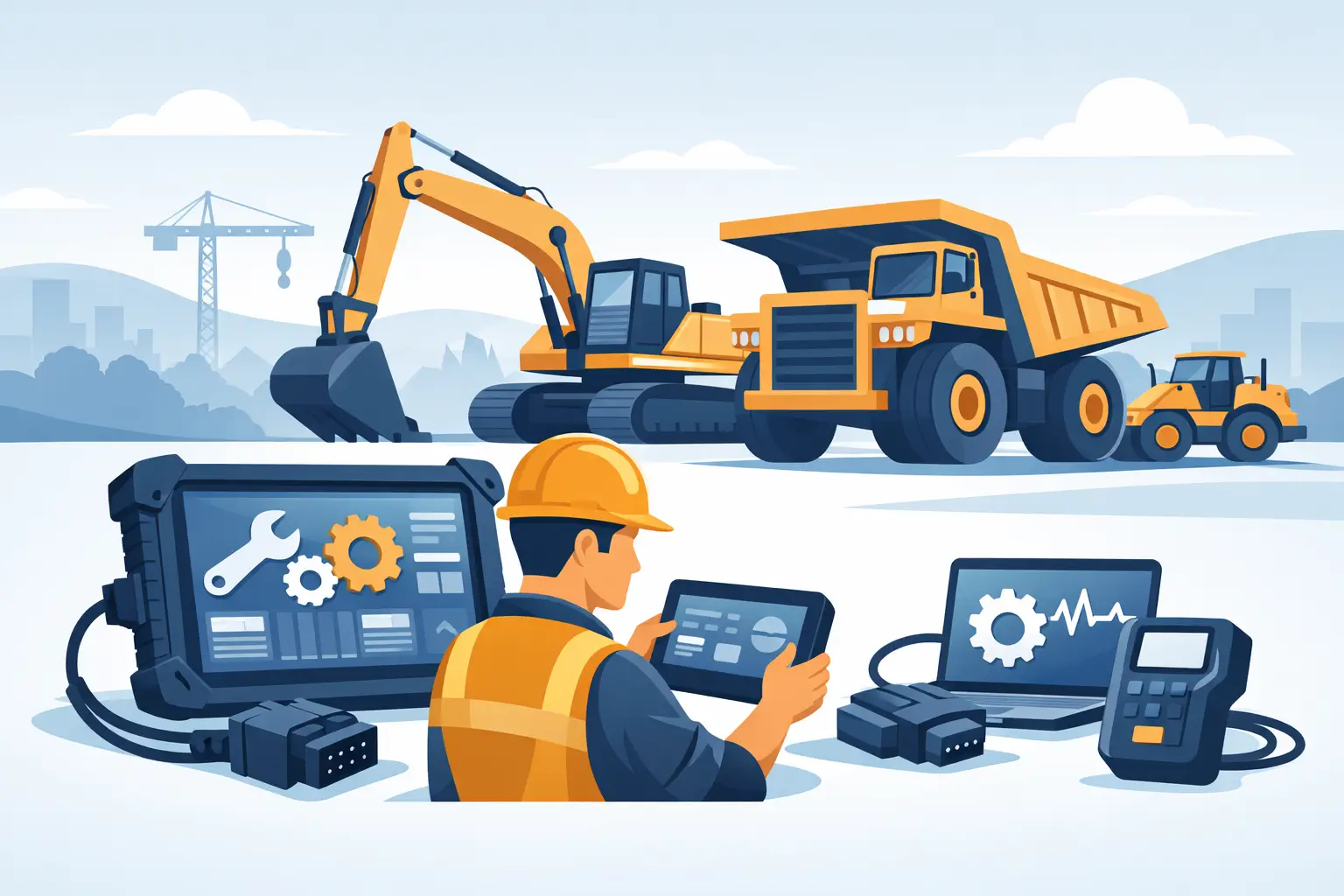
A machine that throws an intermittent CAN fault at 6:10 a.m. does not care that the dealer is two days out. When uptime is on the line, the best heavy equipment diagnostic tool is the one that matches the machine, supports the job you actually need to complete, and gives you access beyond basic fault code reading.
That last part is where many buying decisions go wrong. A generic scanner may be enough to pull active and logged codes, but heavy equipment service work rarely stops there. Real repair workflows often require bidirectional tests, calibrations, parameter changes, ECM programming, injector coding, DPF resets, security access, and parts or service data that explain what the machine is doing and why. For a professional shop, fleet, or independent technician, the right tool is less about a universal promise and more about functional coverage.
What makes the best heavy equipment diagnostic tool
The best heavy equipment diagnostic tool is not automatically the most expensive platform or the broadest multi-brand package. It is the tool that gives you the exact level of access required for your equipment mix and service scope.
If your shop works primarily on Caterpillar, JCB, John Deere, Cummins-powered off-highway units, or agricultural platforms from a narrow brand group, a brand-specific package is usually the stronger choice. OEM-aligned or brand-focused software tends to go deeper into calibrations, configuration changes, controller programming, service routines, and protected functions. That matters when a repair depends on more than reading SPNs, FMI data, or inactive faults.
If your operation handles varied fleets across construction, ag, industrial engines, and commercial vehicles, a multi-brand setup can make sense. The trade-off is predictable. Breadth improves, but function depth often drops. You may cover more machines from one laptop, yet still need brand-specific software for advanced resets, injector trim transfer, ECU replacement, or immobilizer-related procedures.
In practice, the best setup for many professional users is a layered one. A multi-brand platform handles intake, quick diagnostics, and broad coverage. Brand-specific tools take over when the job moves into programming, adaptation, calibration, or factory-level service functions.
Best heavy equipment diagnostic tool options by use case
Brand-specific diagnostic software
For advanced service work, this is usually the top category. Brand-specific software is built around a defined OEM ecosystem, which means better support for control modules, guided troubleshooting, parameter visibility, service test routines, and protected operations.
This matters on machines where replacing a component is only half the job. Installing an injector, NOx sensor, hydraulic controller, instrument cluster, or engine ECM may also require coding, matching, reset procedures, or configuration upload. Generic platforms frequently stop short at the point where the actual repair has to be finalized.
A brand-specific tool is often the best heavy equipment diagnostic tool when your revenue depends on completing that final step in-house. It reduces dealer dependence and shortens downtime, especially for independent repair operations that need control over programming and post-repair setup.
Multi-brand diagnostic platforms
These tools fit mixed fleets and field service operations well. They can be effective for reading faults, monitoring live data, performing some service resets, and evaluating machines before disassembly. They also reduce the number of separate interfaces and software environments a technician has to manage.
The limit is usually access level. Coverage charts may look broad, but broad does not mean deep. One platform may communicate with many models while only offering advanced tests on a fraction of them. Another may support engine diagnostics but not implement controller setup or machine-specific calibrations. If your work is mostly diagnostics and component-level repair rather than controller replacement and programming, that may be acceptable.
Dealer-level utilities and supporting files
Some of the most valuable tools in a heavy equipment environment are not scanners in the traditional sense. Password generators, factory reset utilities, migration files, wash files, firmware packages, and technical service software often determine whether a machine can be returned to service without outside support.
This is especially true when dealing with locked parameters, replacement modules, security-related functions, decertification-related workflows where legally applicable, or machine configuration recovery. In those cases, the best tool may be a complete service ecosystem rather than a single diagnostic interface.
The features that actually matter in the shop
Coverage should be evaluated at the brand, model, and system level. A listing that says it supports construction equipment is not enough. You need to know whether it covers the specific engine family, machine controller, transmission controller, hydraulic systems, aftertreatment, and body modules you service.
Programming capability is another dividing line. Many shops buy a diagnostic package and later discover it can read and clear faults but cannot flash software, write parameters, or initialize replacement controllers. If your shop handles ECM swaps, emissions repairs, injector replacement, or calibration-dependent hydraulic work, programming support is not optional.
Security access is also critical. Modern equipment increasingly locks functions behind passwords, factory keys, or protected service routines. Without access to those functions, a tool may still connect, but it cannot complete the job. The same applies to immobilizer procedures, reset functions, and feature enablement tied to OEM-level authorization logic.
Usability matters more than marketing suggests. A powerful package with unstable installation, difficult licensing, or poor workflow logic slows the shop down. Professional buyers should look for tools that are clearly versioned, compatible with the operating system in use, and supported by a practical delivery format. Instant digital delivery can be a major advantage when downtime is measured in billable hours.
Choosing the right tool for your equipment mix
A small independent shop working mainly on one or two OEMs should usually prioritize depth over breadth. If 70 percent of your work centers on a narrow set of machines, buy for those brands first. The return comes from completing calibrations, resets, and controller work that a basic scanner cannot handle.
A fleet maintenance department has a different calculation. Standardized workflows, technician training time, and machine variety all matter. In that environment, a broad platform may make sense for first-line diagnostics, with a smaller number of advanced brand-specific packages reserved for specialist jobs.
Field service technicians need to think about deployment. Laptop-based software with a reliable interface and offline capability may be more useful than a platform that depends on cloud access or workshop-only licensing. Agricultural service providers should also consider seasonality. A tool that saves one tractor or combine from peak-season downtime can justify its cost faster than a cheaper package with limited function access.
For advanced owner-operators, the answer depends on whether you intend to perform true service procedures or simply verify faults before outsourcing. If the goal is dealer-grade independence, buy for programming and service functions, not just diagnostics.
Common buying mistakes
The most common mistake is confusing communication with capability. A tool that connects to the machine is not necessarily a tool that can calibrate, program, reset, or configure it.
The second mistake is buying based on generic coverage claims. Heavy equipment diagnostics are highly dependent on OEM architecture, controller generation, and software version. What works on one model year or engine family may not provide full access on another.
Another expensive mistake is ignoring supporting resources. Diagnostics without service information, parameter references, firmware files, or password access can stall the job midway. For many professional users, the real value comes from pairing diagnostic software with technical files and utilities that support the full repair path.
Finally, some buyers underestimate the cost of partial access. A cheaper tool can become the expensive option if it still forces dealer involvement for every controller replacement, security procedure, or software recovery event.
A practical standard for evaluation
If you are comparing options, judge each one against the same questions. Can it access the systems you work on every week? Can it perform the service routines your shop bills for? Can it handle programming, calibration, and protected functions when parts are replaced? Can your technicians deploy it quickly without losing half a day to setup issues?
That standard usually strips away the marketing noise. The best heavy equipment diagnostic tool is the one that moves a machine from faulted to operational with the fewest outside dependencies.
For professional users, that often means buying into a technical workflow instead of a single product. Diagnostic software, password tools, firmware utilities, and service files are not separate luxuries. They are the stack that enables real in-house control. That is why many technicians and repair businesses sourcing specialized solutions through providers such as SYSTEMRTX focus less on universal claims and more on exact compatibility, supported functions, and whether the tool will finish the job.
If your current setup can identify the problem but cannot complete the repair, you do not need more screen time – you need better access.
Pingback: Can Scan Tools Clear Derates After Repair? - SYSTEMRTX
Pingback: Machine Sensor Calibration Failure Points - SYSTEMRTX