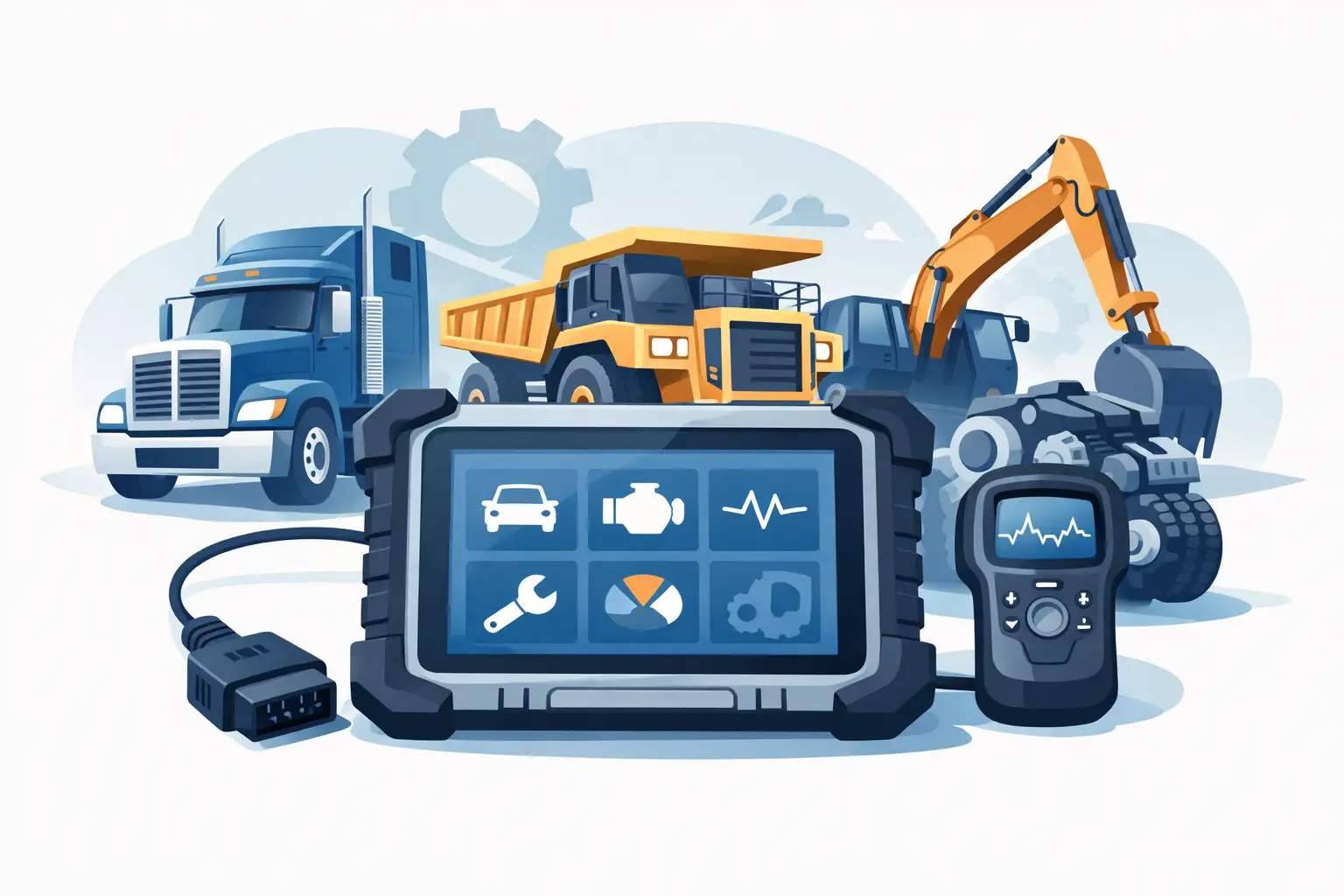
A truck or machine that will not complete a regen, accept a parameter change, or clear a fault after component replacement does not need guesswork. It needs the right heavy duty diagnostic tool for sale – one that matches the platform, reaches the correct control modules, and supports the service functions your shop actually performs.
For professional buyers, the real question is not whether a diagnostic package can read codes. Almost every low-end tool can do that. The question is whether it can handle dealer-grade workflows such as calibrations, ECM programming support, injector coding, security access, forced regens, reset procedures, and brand-specific troubleshooting on the equipment you service every week. That is where the buying decision gets technical.
What a heavy duty diagnostic tool for sale should actually include
In this market, a diagnostic tool is rarely just a handheld scanner. For heavy equipment, agricultural machinery, and commercial diesel platforms, the usable package is often a combination of software, communication interface support, technical files, password functions, and brand-specific service utilities.
That matters because modern service work is spread across multiple layers. You may need one function to identify an active aftertreatment fault, another to reset an ECM value after repair, and another to gain access to a protected routine. If the product only handles basic fault retrieval, it may help with triage but not with completion of the repair.
A serious buyer should expect clear information on supported OEM brands, software version, operating system compatibility, installation format, and whether the package provides unlimited use, one-time access, or file-based support. If those details are vague, the product is probably not built for a professional workflow.
Why cheap universal scanners usually fall short
Universal tools have a place. If your goal is broad code reading across mixed fleets, they can be useful for intake diagnostics and quick inspections. The problem starts when the job moves beyond basic data.
Heavy diesel and off-highway platforms use protected functions, brand-specific communication structures, and service routines that generic tools often do not expose. A universal scanner may connect to the engine and show fault text, yet fail to perform cylinder cutout tests, force a parked regen, write parameters, or complete a calibration after component replacement.
That gap creates a hidden cost. A cheaper tool looks efficient until the machine still has to go to the dealer for the final step. Shops that handle in-frame repairs, emissions work, controller replacement, or electronic troubleshooting usually need more than generic access. They need function coverage, not just connection coverage.
How to evaluate compatibility before you buy
The first filter is brand and system coverage. If you work on Caterpillar, JCB, John Deere, Cummins, Perkins, MAN, DAF, or mixed agricultural equipment, the product has to state that support directly. Broad claims such as heavy equipment compatible are not enough.
The second filter is model-year and system scope. Some software covers engines only. Some reaches transmission, body control, hydraulic controllers, instrument clusters, immobilizer systems, or aftertreatment modules. If your shop replaces ECUs, performs calibrations, or deals with security-limited functions, module-level detail matters.
The third filter is hardware and operating environment. Many professional diagnostic packages still depend on specific Windows versions, driver support, and approved communication adapters. A strong product listing should tell you whether it is software only, whether an interface is required, and whether remote installation or digital delivery is part of the package.
The functions that justify the purchase
When technicians search for a heavy duty diagnostic tool for sale, they are usually trying to solve one of three business problems: reduce dealer dependence, cut downtime, or expand billable service capability. The right tool should address at least one of those immediately.
For fleets, downtime reduction is often the priority. That means live data, fault tracing, reset functions, service interval handling, and test routines that allow in-house confirmation before a unit leaves the bay. A package that turns a two-day dealer delay into a same-day diagnosis pays for itself quickly.
For independent repair shops, the value is often in service depth. Programming support, calibration routines, injector and actuator functions, password access, and factory-level resets let the shop keep advanced work in-house instead of subletting the electronic portion of the repair.
For owner-operators and specialized diesel technicians, cost control is usually the driver. If a digital product delivers the exact brand-specific function needed for repeated jobs, it can be more efficient than buying a broad platform with weak coverage on the target equipment.
Brand-specific tools vs multi-brand platforms
This is where the decision depends on your business model. If your shop is dedicated to one or two OEMs, brand-specific software is usually the better technical choice. Coverage is deeper, service routines are more complete, and the chance of hitting protected functions is lower. You get closer to the workflow the dealer uses.
If you maintain a mixed fleet or run a repair business that sees varied iron every week, multi-brand access may be more practical. The trade-off is that coverage can be uneven. One platform may be excellent on engines and limited on body systems. Another may support fault diagnostics well but stop short of programming and advanced resets.
Many professional shops end up with a layered setup. They use a general platform for intake and broad coverage, then add targeted OEM software or utilities for brands that produce the most revenue. That approach often makes more financial sense than expecting one product to do every job at dealer level.
Digital delivery changes the buying decision
For this market, speed matters almost as much as capability. A digitally delivered package can be a better fit than waiting on physical hardware, especially when the immediate need is software access, a password utility, a technical file set, or a factory service function required to finish a machine already in the shop.
That is why professional buyers increasingly look at installation method, activation process, and usage terms before purchase. Unlimited-use software, instant-download packages, and direct-access technical utilities have a clear advantage when the objective is to restore service capability fast.
SYSTEMRTX operates in that part of the aftermarket – where buyers need targeted tools, software, and technical utilities that match actual service workflows instead of consumer-style scan features.
What to check in the product listing
A useful listing should read like workshop documentation, not sales copy. You should be able to identify the supported OEM, the software version or release level, the intended system coverage, the operating system requirement, and the task the tool enables.
Look closely at wording such as reset, unlock, calibration, programming support, password generation, migration file, wash file, decertification support, or parts identification. Those terms are not interchangeable. Each points to a different workflow. Buying the wrong category wastes time even if the product is technically compatible with the brand.
Also check whether the package is aimed at diagnostics only or at repair completion. A tool that reads and clears codes may still leave you without the file, access level, or utility needed to complete setup after module replacement.
The pricing question professionals actually ask
The right question is not what the tool costs. It is what outside dependence costs if you do not have it.
If your shop sends out three ECM-related jobs a month, waits on dealer scheduling for forced regens, or loses labor because protected functions are unavailable, the purchase should be measured against lost revenue and delayed turnaround. In that context, a higher-priced specialist package can be the less expensive option.
At the same time, overbuying is real. A full-feature package for an OEM you only see twice a year may not make sense unless it opens high-margin work. The smart move is to match tool depth to actual job frequency. Buy for the repairs you perform often, not for every possible edge case.
Who should buy now and who should wait
If you already know the exact brands you service, routinely hit software or access limitations, and have the technical skill to use advanced functions correctly, buying now makes sense. The gain is immediate control over diagnostics, programming-related workflows, and repair completion.
If your business is still figuring out equipment mix, or your current need is only code reading and basic data, it may be better to start narrower. Choose a product that solves the most common failure point in your shop, then expand when the return is clear.
The best purchase is not the broadest package or the cheapest listing. It is the tool that matches your brands, your operating environment, and the exact service functions standing between a failed machine and a completed repair. Buy with that standard, and the tool becomes more than software on a laptop – it becomes part of how your shop keeps equipment moving.