If you service late-model John Deere equipment without factory-level software access, you already know where the bottlenecks show up. Fault code reading is the easy part. The real value in a John Deere Service Advisor review is whether the platform actually gives your shop enough control to handle diagnostics, calibrations, tests, and guided repair work without sending jobs back to the dealer.
For independent repair operations, ag service providers, and heavy equipment technicians, John Deere Service Advisor sits in the category of software you evaluate by workflow, not by marketing claims. It is not just a code reader. It is an OEM diagnostic environment designed to support dealer-style troubleshooting, machine identification, technical data access, and service procedures across Deere platforms. The question is not whether it is capable. The question is whether the capability matches your shop’s equipment mix, hardware setup, and budget.
John Deere Service Advisor review: what it actually does
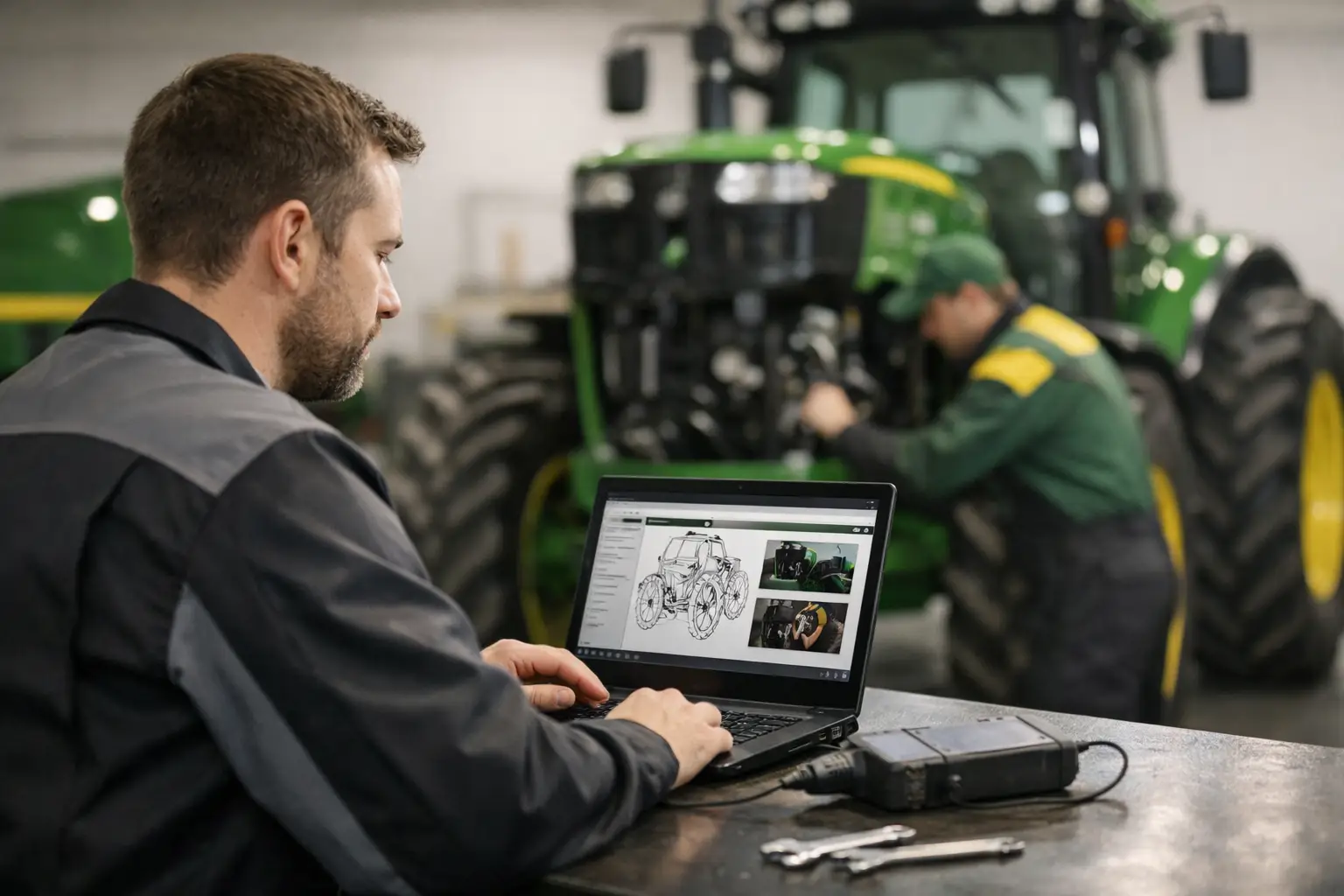
At a practical level, Service Advisor is the factory diagnostic and service application used to communicate with supported John Deere machines and engines. Depending on the machine family and software version, it can pull controller data, read and clear diagnostic trouble codes, run diagnostic tests, monitor live parameters, perform calibrations, and walk a technician through OEM repair procedures.
That matters because Deere systems are increasingly controller-dense. On modern agricultural tractors, construction equipment, sprayers, harvesters, and diesel engines, you are not dealing with a single ECM problem in isolation. You are dealing with networked modules, interdependent inputs, and software-controlled functions that need more than a universal scan tool to diagnose correctly.
Service Advisor also adds machine-specific context that generic platforms usually miss. Fault descriptions, test sequences, wiring references, and repair instructions are what make OEM software valuable. When a hydraulic calibration fails or a controller replacement requires setup steps, the difference between having that workflow and not having it is measured in downtime and billable hours.
Where Service Advisor is strongest
Its biggest strength is coverage depth within the Deere ecosystem. If your shop regularly handles John Deere agriculture or construction equipment, Service Advisor gives you a level of access that aftermarket multi-brand tools often only approximate. That includes guided diagnostics, system tests, controller information, and service documentation integration that is built around the machine rather than around a generic protocol.
Another strong point is procedure consistency. A technician does not have to build every test plan from scratch. When the software points to the correct troubleshooting path, pin data, and calibration order, it reduces wasted labor and lowers the chance of skipping a required step. That is especially useful on jobs involving transmission setup, hydraulics, engine management, or electronic options where configuration errors can create repeat failures.
The software is also valuable for shops trying to keep more repairs in-house. If your current process is reading a code with a universal tool, checking a few inputs, and then outsourcing the calibration or controller setup, Service Advisor can close that gap. For a shop that sees enough Deere volume, that changes the economics of the business pretty quickly.
The limitations technicians should pay attention to
A fair john deere service advisor review has to address the constraints, because this is not a plug-and-play consumer product. First, hardware and interface compatibility matter. The software experience depends heavily on using the correct communication adapter, the correct installation environment, and a laptop configuration that will actually run the application reliably. If the workstation is unstable, the software gets blamed for problems caused by setup.
Second, coverage depends on versioning and machine family. Not every release supports every machine at the same level, and older equipment versus newer equipment can create different expectations around access and function. Before committing, a shop needs to match the software version against the actual Deere models it services most often. Buying based on the brand name alone is how shops end up with partial functionality.
Third, there is a learning curve. Experienced diesel and equipment technicians usually adapt quickly, but Service Advisor still requires familiarity with OEM diagnostic logic. The software is strongest in the hands of a technician who understands circuits, controller relationships, calibration prerequisites, and basic network diagnostics. It can accelerate troubleshooting, but it does not replace technical judgment.
There is also the issue of cost structure and access model. For many smaller operations, dealer dependence is expensive, but full OEM software access can also be expensive depending on how it is obtained, maintained, and configured. The value is there when the tool is used often. If your Deere work is occasional, the return may not be as clear.
Hardware, installation, and shop readiness
This is where many evaluations go wrong. Shops tend to focus on functions and ignore deployment. Service Advisor is only as useful as the environment behind it. That means a stable Windows-based laptop, correct drivers, compatible communication hardware, and enough internal process discipline to keep the setup clean.
In a busy shop, the real problem is rarely whether software can read a fault code. The problem is losing time to connection issues, adapter conflicts, licensing friction, or a machine that cannot complete a test because prerequisites were missed. If you are adding Deere factory software to your workflow, treat it like production equipment. Dedicate a known-good laptop, document the adapter setup, and avoid using that machine for unrelated software experiments.
Shops that do this get better results. Shops that install it on an overloaded service laptop with mixed drivers and random utilities usually end up calling the software unreliable when the issue is workstation management.
Is it better than aftermarket diagnostics?
That depends on what you expect the tool to do. Aftermarket platforms are useful when your business touches multiple brands every day and you need broad code access from one interface. They are efficient for general fault retrieval, some live data, and a portion of test functions across mixed fleets.
But broad coverage is not the same as deep coverage. When you need OEM-level calibrations, machine-specific procedures, or functions tied closely to Deere controller architecture, Service Advisor usually has the advantage. It is designed around John Deere service workflows, not around generic access across dozens of manufacturers.
For a mixed-brand independent shop, the best setup is often not either-or. It is a layered tool strategy. Use aftermarket diagnostics for fast triage and wide fleet coverage, then use Deere-specific software when the job moves into calibration, controller work, guided troubleshooting, or configuration-sensitive repair.
Who should buy it and who should not
If your shop sees John Deere equipment weekly, this software is usually worth serious consideration. The more your jobs involve electronic diagnostics, controller replacement, performance complaints, calibration routines, or technical service procedures, the stronger the case becomes. Ag service operations, construction equipment specialists, and diesel shops with steady Deere volume are the natural fit.
If you only touch Deere units a few times a year, the decision is less straightforward. In that case, the investment may be harder to justify unless those jobs are high-value or strategically important to your customer base. Some shops want the capability mainly to avoid sending work out. That can still make sense, but only if the software will be used enough to pay back the setup time and acquisition cost.
This is also not the right tool for a shop looking for a simple, low-skill solution. Service Advisor is most effective when paired with technicians who can interpret test results correctly and move from software prompts to real mechanical and electrical diagnosis.
Final verdict on John Deere Service Advisor
From a workshop standpoint, Service Advisor is a serious tool for serious Deere work. Its value is not in flashy interface design or casual code scanning. Its value is in direct access to OEM diagnostics, service procedures, tests, and calibrations that can keep repairs inside your shop and reduce dependence on the dealer network.
The trade-off is that it demands the right setup, the right expectations, and enough Deere volume to justify the investment. If your business depends on maintaining uptime across John Deere equipment, that trade-off is often acceptable. For professional buyers evaluating software, the real benchmark is simple: if a tool reduces downtime, expands in-house capability, and cuts outside service dependency, it earns its place. That is the standard this platform should be judged against, and in the right shop, it meets it.