When a Class 6 truck drops into derate, a refuse unit logs an aftertreatment fault, or a delivery van comes in with multiple network codes, wasted diagnostic time gets expensive fast. This commercial vehicle diagnostics guide is built for technicians, fleet managers, and independent shops that need accurate fault isolation, correct software coverage, and fewer handoffs to the dealer.
What a commercial vehicle diagnostics guide should actually help you do
A useful guide is not just a list of scan tool features. It should help you decide which level of access you need for the work in front of you. Reading and clearing codes is one level. Running bidirectional tests, calibrations, injector coding, parameter changes, forced regens, ECM resets, and security-protected functions is another.
That distinction matters because many commercial vehicle faults are not parts problems first. They are logic problems, configuration problems, communication problems, or software state problems. If your tool can only read generic fault information, you may confirm the complaint without getting any closer to a repair.
For most professional shops, diagnostics now sits at the intersection of mechanical condition, electronic control strategy, and software entitlement. The right workflow starts with that reality instead of pretending every fault can be solved with a multimeter and a code reader.
Start with the vehicle category, not the tool
Commercial vehicle diagnostics changes based on platform, engine family, and system architecture. A light commercial diesel van, a heavy truck, and a vocational body system may all require different coverage even when they share a customer account.
A good buying and workflow decision starts with four questions. What OEMs are in your service mix? What model years are most common? Which jobs are you trying to bring in-house? And which functions are blocked today by missing software, passwords, or programming access?
A fleet doing mostly fault-code triage on mixed brands may prioritize broad coverage and speed. An independent diesel shop handling emissions faults, injector replacement, and control unit replacement will care more about brand-specific functions. A specialist dealing with body controllers, immobilizer issues, or factory parameter changes needs deeper access still.
This is where a lot of shops overspend in one direction or underspec in the other. Broad multi-brand coverage is efficient, but it can stop short on protected functions. OEM-level software is stronger on depth, but it may add complexity, licensing costs, and brand limitations. It depends on whether your bottleneck is identification or execution.
Commercial vehicle diagnostics guide to tool levels
At the entry level, generic OBD and basic commercial scan tools are useful for confirming active faults, checking readiness, viewing limited live data, and clearing standard codes. They are fine for initial triage, especially on mixed fleets, but they rarely handle advanced service workflows.
The next level is professional multi-brand diagnostics. This is where many independent shops operate day to day. You get broader module access, more live parameters, system tests, service routines, and better coverage across engines, transmissions, ABS, and aftertreatment. For routine diagnostics, this level often gives the best time-to-value ratio.
Then there is OEM or OEM-equivalent depth. This is the level required for tasks like variant coding, parameter programming, security access, calibration support, controller replacement, and brand-specific troubleshooting routines. If your work regularly includes ECM replacement, immobilizer functions, SCR and DPF service procedures, or dealer-restricted resets, shallow coverage becomes a liability.
A practical shop strategy is often layered, not all-or-nothing. Use fast multi-brand diagnostics for intake and fault isolation, then move to brand-specific software or utilities for programming and protected service functions. That setup costs more upfront, but it usually reduces downtime and avoids dead ends.
Fault codes are a starting point, not a diagnosis
Experienced technicians already know this, but workflow discipline still matters. The fastest way to lose billable time is to treat a fault description as a parts order suggestion.
Commercial vehicles generate fault codes from subsystems that depend on each other. An NOx efficiency fault might be caused by a sensor issue, a dosing issue, an upstream air handling problem, an exhaust leak, bad operating history, or software logic after a previous repair. A communication code may point to a failed module, but it may also be power, ground, backbone integrity, or parameter mismatch after module replacement.
That is why live data, freeze-frame context, and commanded tests matter more than the fault list alone. You need to know when the fault set, under what load and temperature conditions, what related parameters were doing, and whether the control unit can respond correctly when commanded. If your software cannot show that clearly, your repair decision gets weaker.
Why software coverage matters more than many shops expect
Coverage is not just a brand logo on the screen. It means the right model family, year range, controller generation, and function set. A tool that connects is not automatically a tool that can complete the job.
This is especially true on newer platforms where security, emissions compliance logic, and controller programming are more tightly managed. You may be able to read data from the engine ECM but still be blocked from reset procedures, relearns, decertification-related workflows, or controller initialization after replacement. That is the difference between diagnosing a fault and returning the vehicle repaired.
Versioning also matters. A package that supports one generation of a platform may be incomplete on later revisions. Before committing to a software path, verify operating system requirements, supported systems, and whether the package handles the exact service operation you need. In a professional shop, vague compatibility claims are expensive.
The most efficient diagnostic workflow in the bay
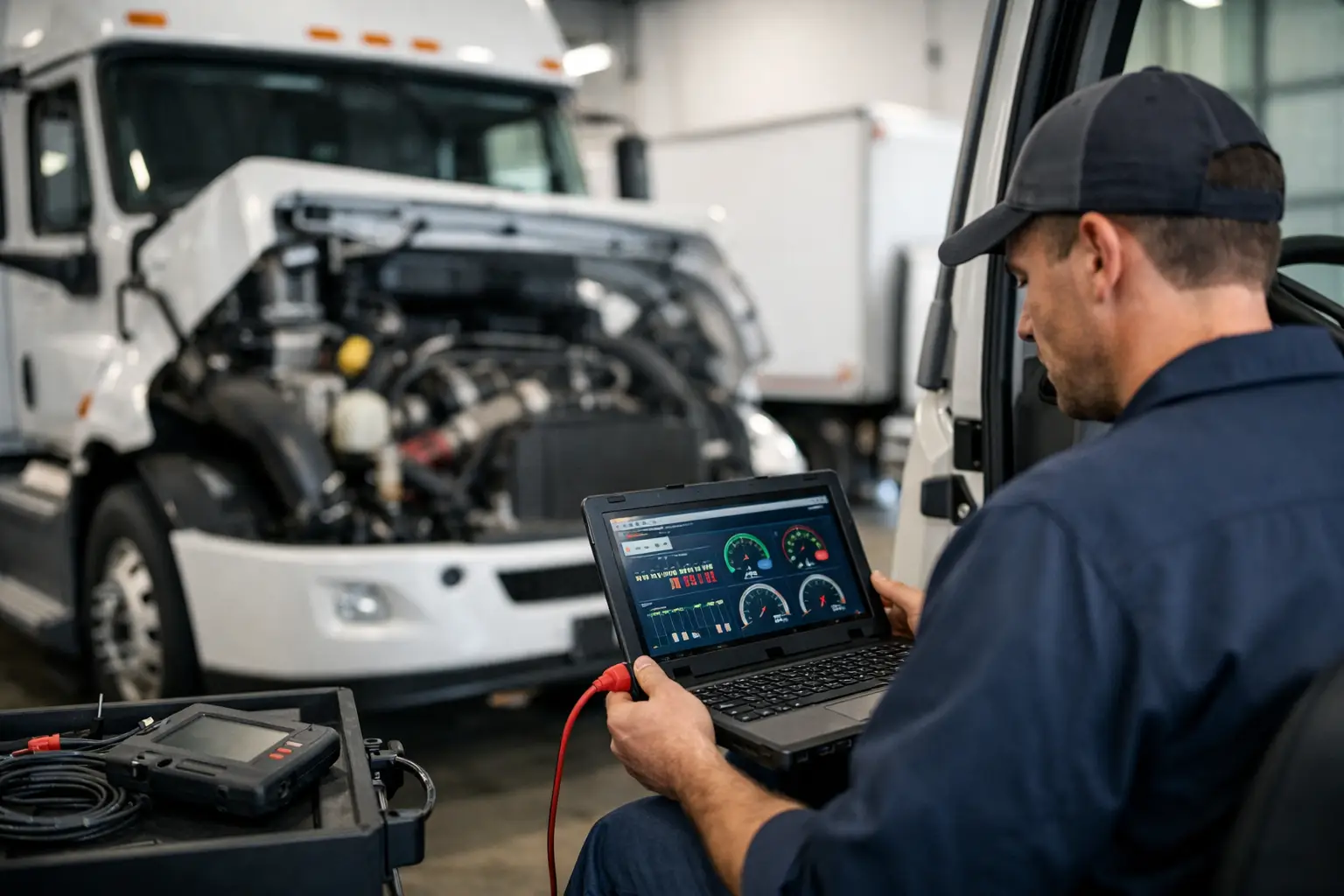
For commercial vehicle work, speed comes from structure. Start with complaint verification, full system scan, and health report capture before clearing anything. Then check battery voltage, charging condition, and network stability. Low voltage and unstable communication can distort everything that follows.
Next, separate active faults from historic faults and identify which ones are primary versus consequential. Review live data on the affected system under the condition that matters – cold start, idle, PTO operation, loaded acceleration, regen request, or highway simulation. Run bidirectional tests where available to prove whether the module, sensor, actuator, and wiring can respond.
Only after that should you move into component testing, mechanical inspection, or parameter correction. On many trucks, especially with emissions and networked systems, replacing a part before validating logic and software state creates repeat failures. The best shops do not just test components. They test system behavior.
Common bottlenecks that slow commercial vehicle diagnostics
The first is incomplete access. If you cannot enter the needed module or run the required routine, the job stalls. The second is mismatch between the software and the actual vehicle configuration. The third is lack of supporting files or utilities for resets, passwords, or firmware-related operations.
The fourth is trying to use one tool for every brand and every task. That sounds efficient on paper, but it rarely holds up in a bay working on mixed commercial platforms. Multi-brand diagnostics is excellent for coverage and speed, yet there are points where brand-specific utilities become the only practical option.
This is where professional buyers tend to shift their strategy. Instead of asking for one perfect tool, they build a workflow around capability gaps. If aftertreatment resets are blocked, solve that. If controller replacement requires a factory password path, solve that. If model coverage is broad but programming is weak, fill the programming gap.
Build your workshop around capability, not just hardware
A strong commercial vehicle diagnostics setup is a combination of interface hardware, software coverage, technical files, calibration support, and the ability to complete restricted functions without waiting on outside service. For some operations, the software is the product. For others, the missing piece is a password generator, service utility, migration file, parts catalog, or firmware support package.
That is why the most efficient shops think in terms of workflow completion. Can you identify the fault, verify the repair, initialize the replacement component, and return the unit without another appointment? If the answer is no, the gap is usually not technician skill. It is missing access.
For operations supporting multiple OEMs, SYSTEMRTX fits naturally into that model because the value is not just tool availability. It is direct access to specialized software, utilities, and files that close the exact gaps that keep trucks and vocational units parked.
How to choose the right setup for your shop
If your shop mainly handles inspections, fault triage, and basic repair confirmation, broad professional diagnostics may be enough. If you replace controllers, perform emissions service, handle security-related functions, or support mixed fleets with brand-specific needs, plan on layered coverage.
Buy for the jobs you lose today, not the jobs you already complete. That usually gives a clearer return. The right diagnostic setup should reduce dealer dependence, shorten repair cycle time, and let your technicians finish more work with confidence.
The real benchmark is simple: when the next no-start, derate, network fault, or controller replacement hits your bay, your diagnostic platform should move the job forward instead of telling you where your access stops. That is the standard worth building around.