
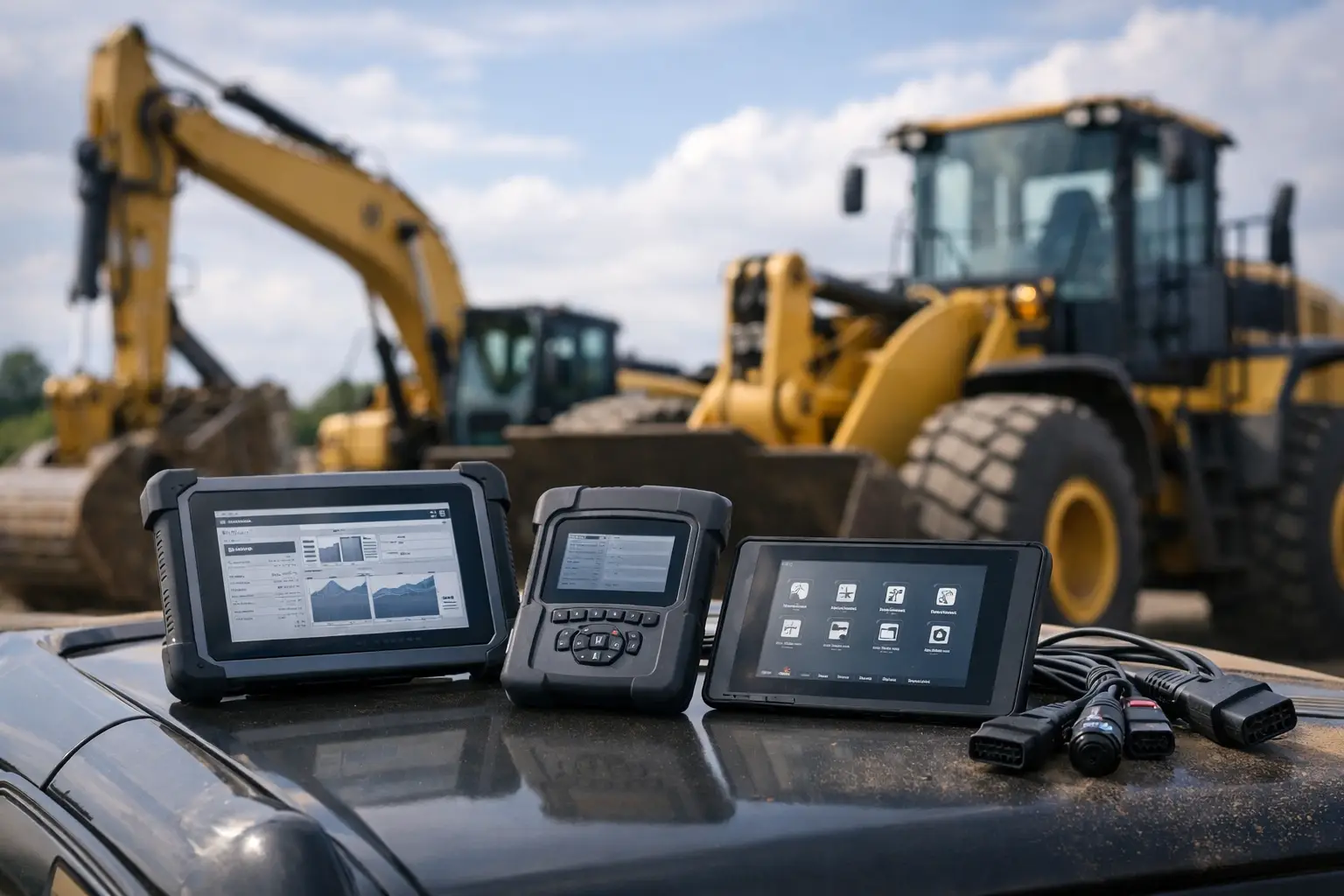
A machine can show the same active fault code on a universal scan tool and an OEM platform, yet only one of those systems may expose the test plan, live data group, calibration status, and reset procedure needed to put it back to work. That gap is the real issue in an OEM diagnostic scanner comparison. For heavy equipment, agricultural machinery, commercial trucks, and industrial engines, scanner selection is not just about reading codes. It is about deciding which factory-level workflows your shop can perform without sending the unit to a dealer.
What an OEM Diagnostic Scanner Actually Includes
The term scanner is often used too broadly. In a professional service environment, an OEM diagnostic solution normally consists of three separate components: the software application, a compatible communication interface, and the subscription, license, or technical files required for a specific function.
The software provides OEM menus, fault logic, wiring references, guided procedures, configuration screens, and programming functions. The interface connects the laptop or service device to the machine network through a diagnostic connector. Depending on the platform, it may support CAN, J1939, J1708, K-Line, Ethernet, or proprietary network protocols. The access package determines whether the technician can only view data or can complete protected operations such as controller replacement, injector coding, parameter editing, calibrations, and factory reset procedures.
A low-cost interface without the correct software is not a diagnostic platform. Likewise, a software package without compatible hardware or authorized access to required passwords may be limited to basic identification and fault reading. Evaluate the complete workflow, not a single product name.
OEM Diagnostic Scanner Comparison: Factory vs. Multibrand Tools
A multibrand scanner can be a productive first-line tool. It is usually faster to deploy across mixed fleets, easier for a technician to carry between bays, and useful for reading standard engine, transmission, ABS, and body-controller faults. For inspections, quick triage, maintenance resets, and common live data, the convenience is real.
The limitation appears when a repair depends on OEM-specific logic. A generic tool may identify an SPN/FMI, for example, but not display the manufacturer’s exact diagnostic tree, threshold conditions, software revision dependencies, or command test required to isolate the failure. It may show rail pressure but not provide a high-pressure pump learning routine. It may clear a code but not complete the reset sequence needed after a component replacement.
Factory-level software is built around the equipment manufacturer’s control strategy. It generally gives better access to proprietary parameters, bidirectional tests, service routines, topology information, flash programming, and calibration procedures. That depth matters on electronically controlled engines, hydraulic systems, emissions equipment, transmissions, telematics modules, and newer machines with multiple interconnected controllers.
The trade-off is specialization. A John Deere workflow does not replace a Caterpillar workflow. A Cummins engine package may cover the engine ECM thoroughly while leaving chassis-specific modules outside its scope. Shops servicing several OEMs need to decide whether broad triage coverage, deep brand coverage, or a combination of both produces the best return.
| Tool category | Best use | Typical limitation | | — | — | — | | Basic code reader | Fast fault retrieval and simple live data | Little or no programming, calibration, or guided diagnosis | | Multibrand commercial scanner | Mixed fleet inspections and common service functions | Incomplete access to manufacturer-specific tests and protected parameters | | OEM software with compatible interface | Brand-specific diagnostics, configuration, and advanced repairs | Coverage is usually limited to one OEM ecosystem or equipment family | | OEM software plus technical utilities | Controller replacement, programming support, password workflows, and recovery tasks | Requires trained personnel, stable power, and strict version control |
Compare by Required Function, Not by Claimed Coverage
“Supports Caterpillar” or “works with agricultural equipment” is not enough information for a buying decision. Coverage can mean anything from reading engine faults to full access across every controller on a machine. Before selecting a system, define the operations that are currently creating downtime or dealer dependence.
For an independent diesel shop, the priority may be injector trim coding, aftertreatment diagnostics, actuator tests, and ECM programming support. An agricultural service provider may need hydraulic calibration, transmission clutch learning, implement-controller diagnosis, and machine configuration. A fleet department may focus on DPF service routines, parameter monitoring, VIN programming, and rapid troubleshooting across a specific truck population.
Ask direct questions about capability. Can the package identify all installed modules? Can it perform active tests? Does it support service resets after component replacement? Can it access configuration parameters? Does it require online authentication for programming? Is password generation or security access required for the intended procedure? Does the version support the actual model year and controller generation in the shop?
A scanner that handles 80 percent of ordinary faults can still be the wrong tool if the remaining 20 percent includes the repairs that keep equipment down for days. Conversely, a full OEM package may be excessive for a shop that only performs inspections and basic mechanical repairs. Buy for the work order, not for the largest feature list.
Fault Reading Is the Starting Point
Most tools can retrieve active and stored diagnostic trouble codes. The useful distinction is what happens next. OEM applications often pair a code with manufacturer-specific descriptions, troubleshooting steps, reference values, component locations, and related tests. That reduces time spent searching across separate manuals and avoids replacing parts based on a code alone.
Live data requires the same scrutiny. Verify whether the tool displays only a fixed parameter list or permits access to OEM data groups, graphing, recording, and comparison against commanded values. On intermittent faults, recording pressure, temperature, voltage, switch status, and network behavior under load can be more valuable than a cleared code history.
Bidirectional Controls and Calibrations Separate Basic From Advanced
Active tests are where OEM diagnostic depth becomes obvious. Commanding a fan clutch, VGT actuator, dosing valve, injector cutout, hydraulic solenoid, or PTO function allows the technician to test the system rather than infer operation from a code. The same applies to relearn and calibration routines after work is completed.
These procedures are not optional extras when replacing electronic components. A new controller may require programming. A replaced injector may need coding. A transmission repair may require clutch calibration. A hydraulic system may require a defined learn sequence. Using a tool that can see the fault but cannot complete the final procedure simply moves the machine to another shop or back to the dealer.
Interface Compatibility and Laptop Requirements Matter
The diagnostic interface must be matched to the software version and vehicle network. Some OEM platforms rely on a specific communication adapter and firmware level. Others accept several interfaces but lose functions, connection stability, or programming reliability when the wrong device is used.
Do not assume a generic J1939 adapter will provide full OEM access. It may communicate with the engine controller while failing to detect proprietary modules, complete security handshakes, or maintain the stable connection required for flashing. For programming work, a dropped connection can turn a routine repair into a recovery job.
Check operating system requirements before purchase. Older service applications may require a specific Windows version, local administrator permissions, legacy drivers, or a dedicated laptop. Newer platforms may depend on current drivers, particular USB chipsets, high-speed Ethernet, or enough storage for service databases. Keep diagnostic laptops dedicated, power-managed, and protected from automatic updates during active programming work.
Stable machine voltage is equally important. A quality battery support unit or approved power source should be standard procedure during controller programming, resets, and calibrations. Software capability does not protect an ECM from voltage loss halfway through a flash.
Versioning, Licensing, and Access Controls
Software versioning is a practical part of every OEM diagnostic scanner comparison. A newer version may add late-model coverage, revised calibrations, and support for newer adapters. An older version may be needed for legacy machines, existing technical workflows, or compatibility with a specific laptop setup. There is no universal rule that newest is always best.
Confirm what is included: installation files, activation method, supported operating system, interface compatibility, update status, and usage terms. If the work involves protected controller functions, establish whether the procedure requires OEM credentials, an authorized password process, security access, or additional programming files.
Technicians should also separate legitimate service access from uncontrolled configuration changes. Parameters affecting emissions systems, safety functions, road use, or machine protection must be handled within applicable regulations and the manufacturer’s service procedures. Advanced access is valuable when it supports correct repair, documented calibration, and controlled return-to-service work.
Build a Scanner Stack Around Your Actual Fleet
The most efficient shops rarely rely on one tool for every situation. They use a broad scanner for intake and initial fault checks, then maintain OEM-level platforms for the brands and systems that generate the most labor hours. A contractor with a concentrated excavator fleet may justify deep Caterpillar coverage. A mixed agricultural operation may prioritize the OEMs represented in its tractors, combines, sprayers, and implements. A diesel specialist may build around Cummins, Perkins, MAN, or DAF workflows based on local demand.
Track the jobs sent outside over a 90-day period. Separate them into diagnosis, programming, calibration, security access, and parts identification. That record identifies the functions worth bringing in-house and prevents buying software based on occasional or hypothetical work. SYSTEMRTX supports this approach with brand-specific diagnostic software, utilities, technical files, and service resources designed for professional equipment workflows.
The right platform is the one that turns a known bottleneck into a completed repair. Start with the machine families your shop sees every week, verify the exact functions required after a repair, and make compatibility decisions before the equipment is connected. That discipline protects uptime, technician time, and the margin on every advanced service job.
Pingback: Caterpillar Parts Catalog Review for Shop Use - SYSTEMRTX